How to Integrate Jira Cloud with Trava Security

May 19, 2026
143

Learn how to connect your Jira Cloud account to the Trava Security platform.
Setting Up the Integration
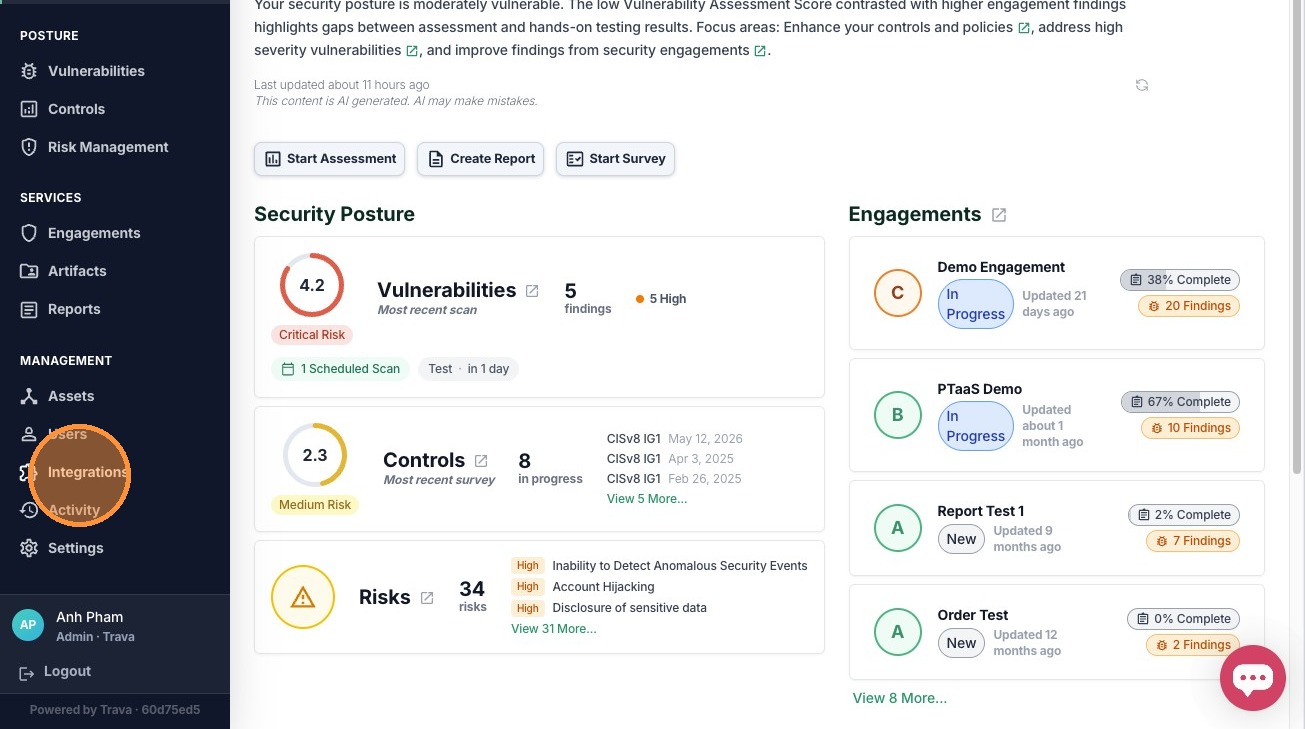
1. Select Integrations from the sidebar
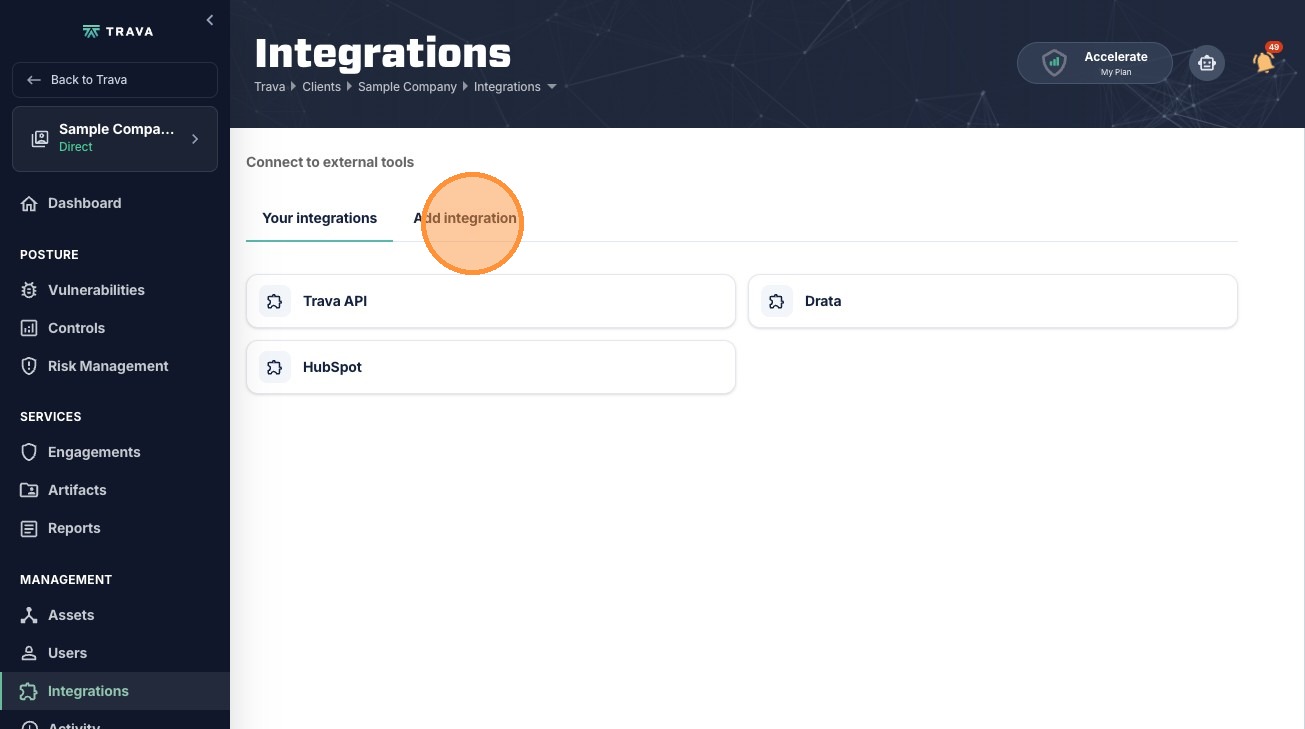
2. Click the Add integration tab
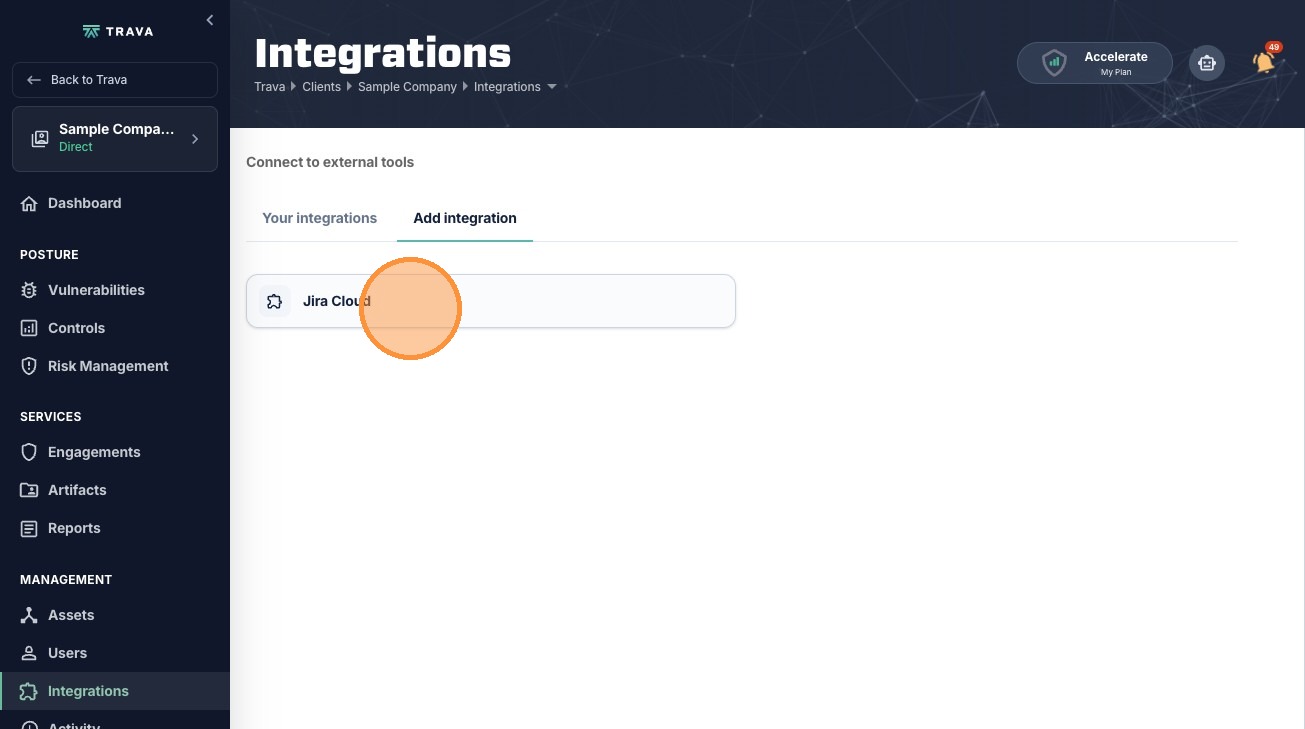
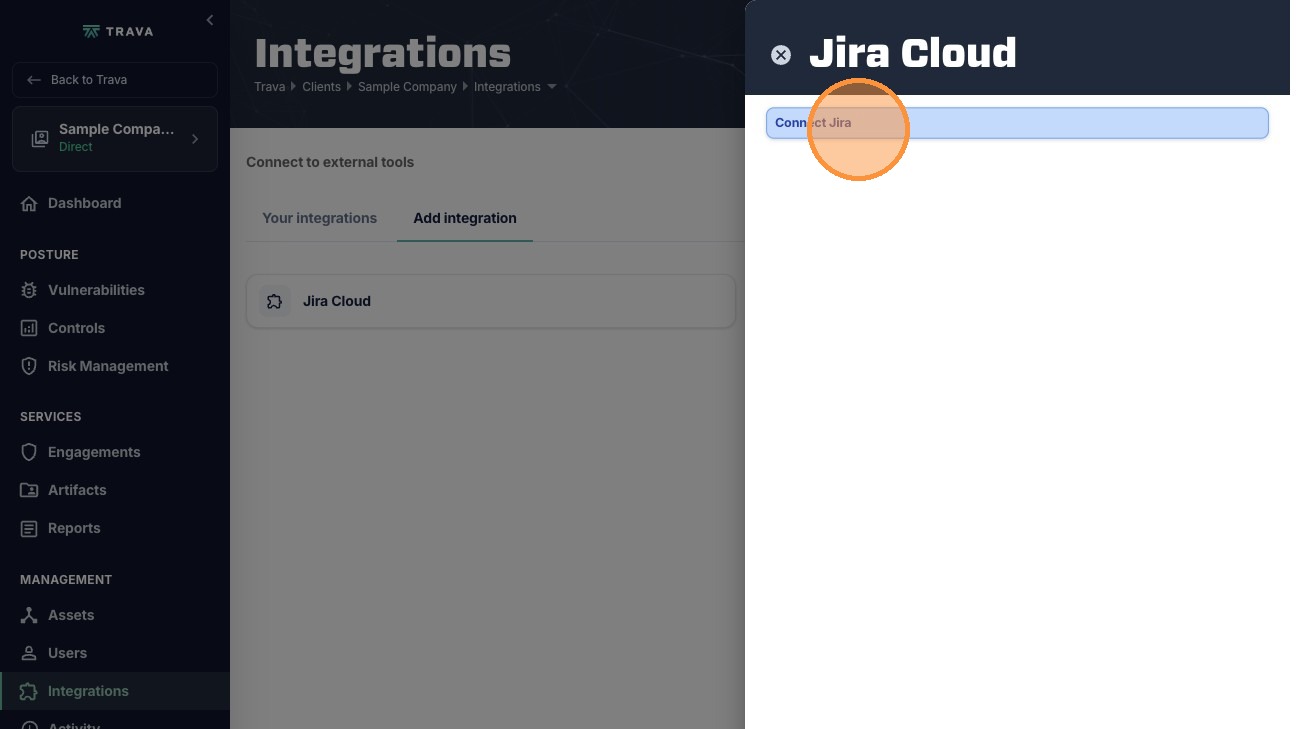
3. Click Jira Cloud
4. Click Connect Jira
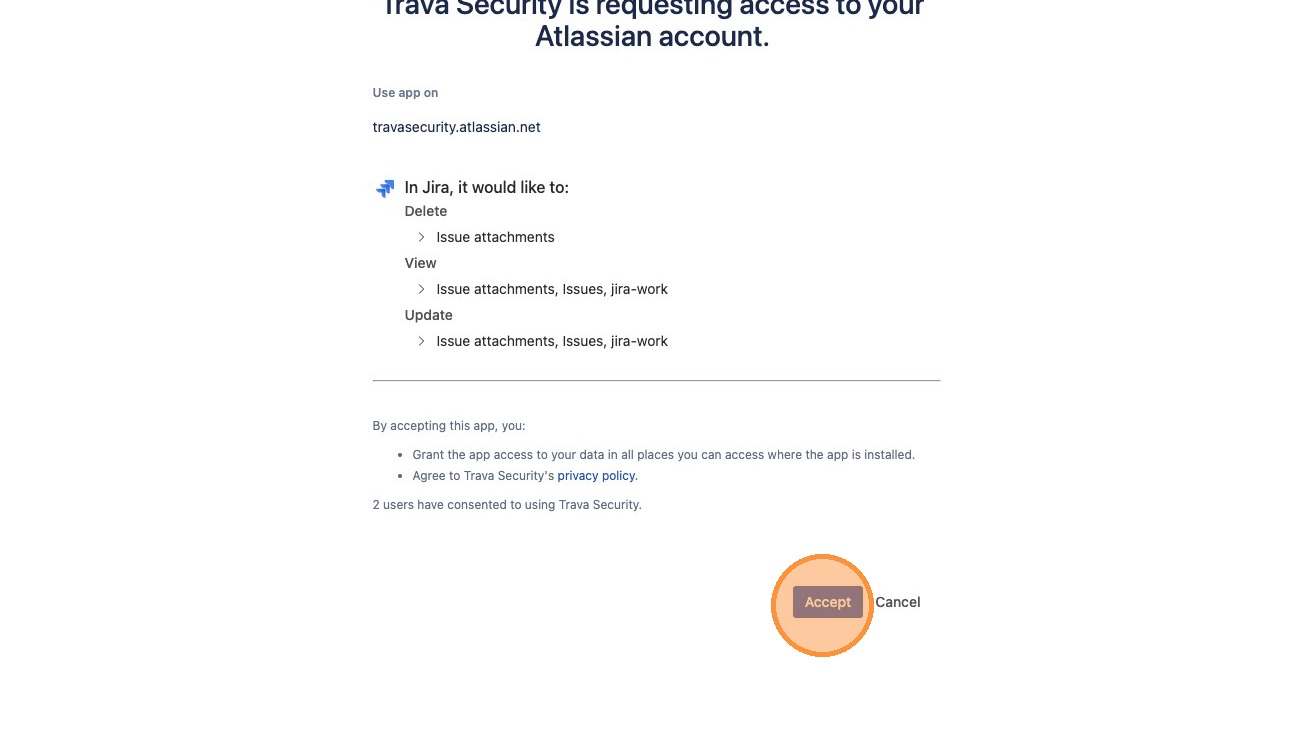
5. You will be redirected to Atlassian to log in, then click Accept to authorize the connection
Mapping Configuration
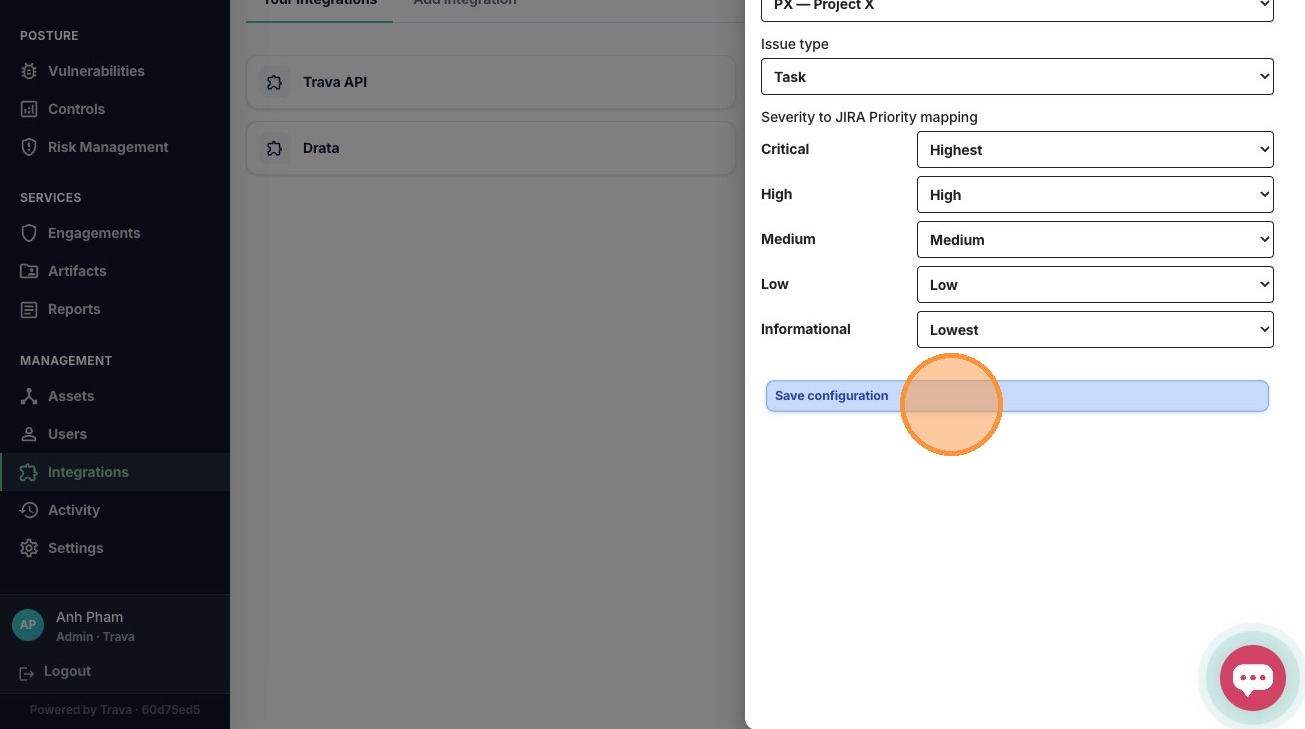
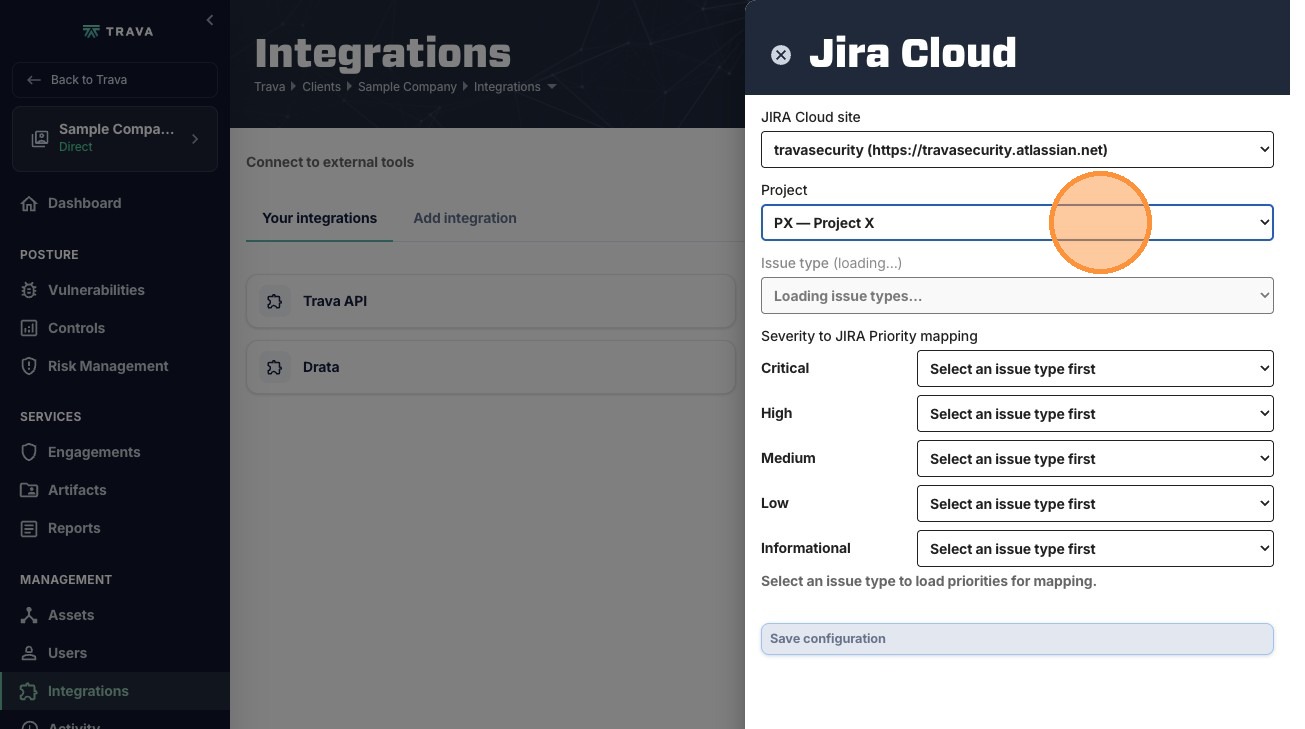
6. Select your Jira Project
7. Select the Issue type
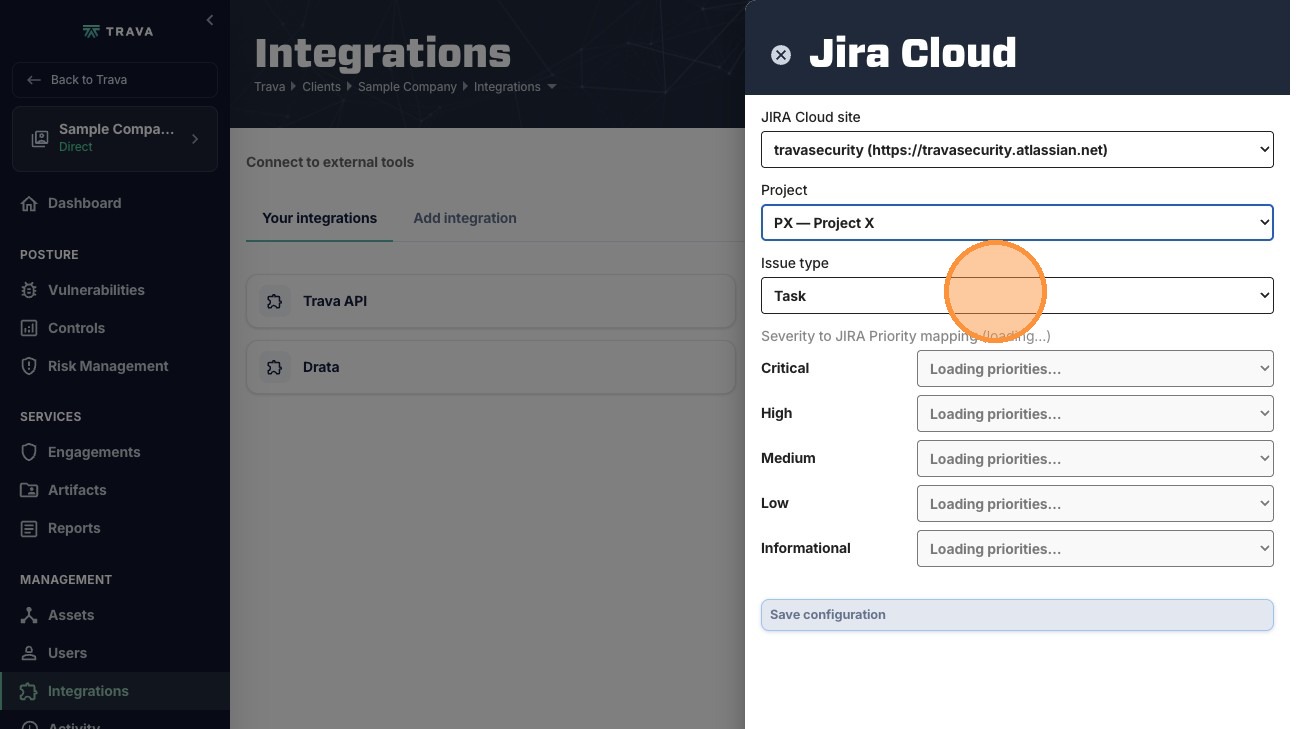
8. Map security severity levels (Critical to Informational) to their corresponding Jira priorities

9. Click Save configuration to complete the setup