Learn how to access your active engagements and review its progress and results in the Trava platform.
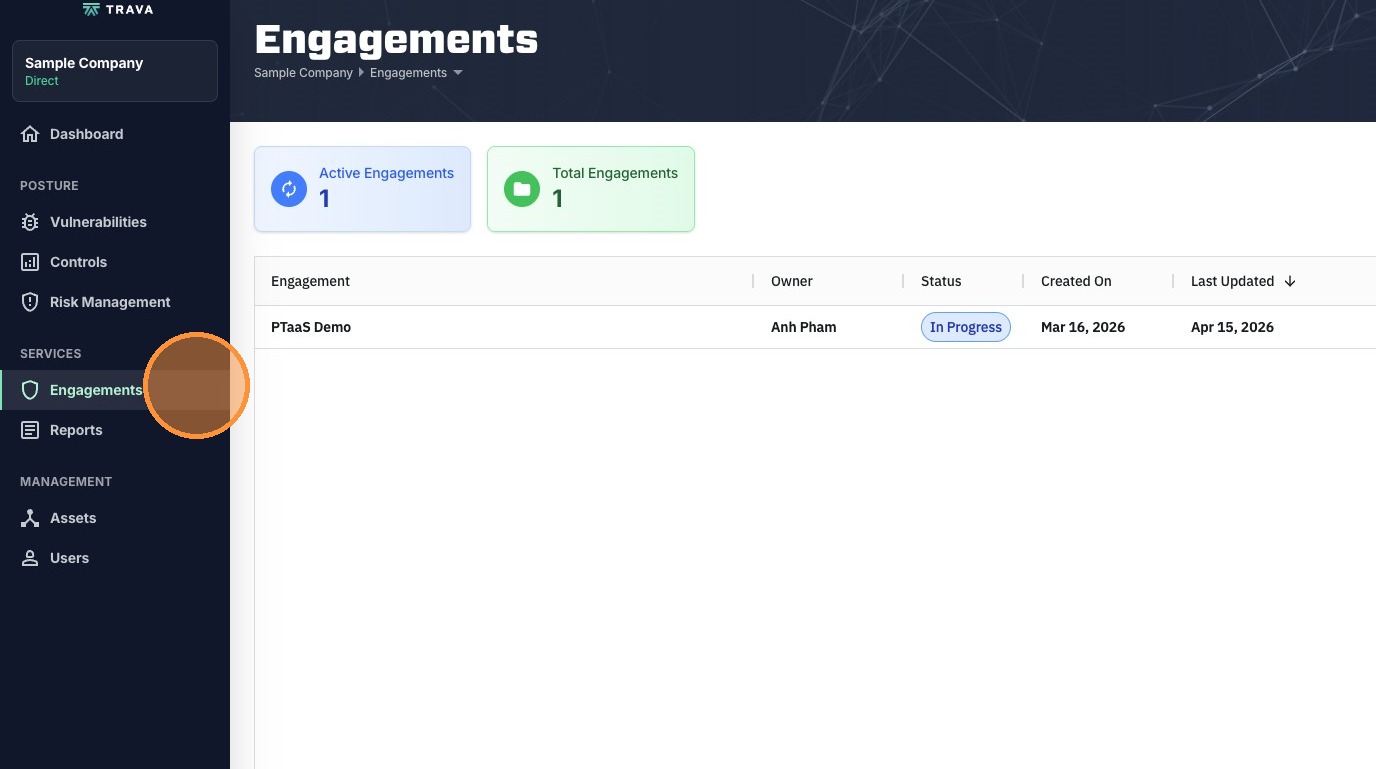
1. In the platform, click Engagements
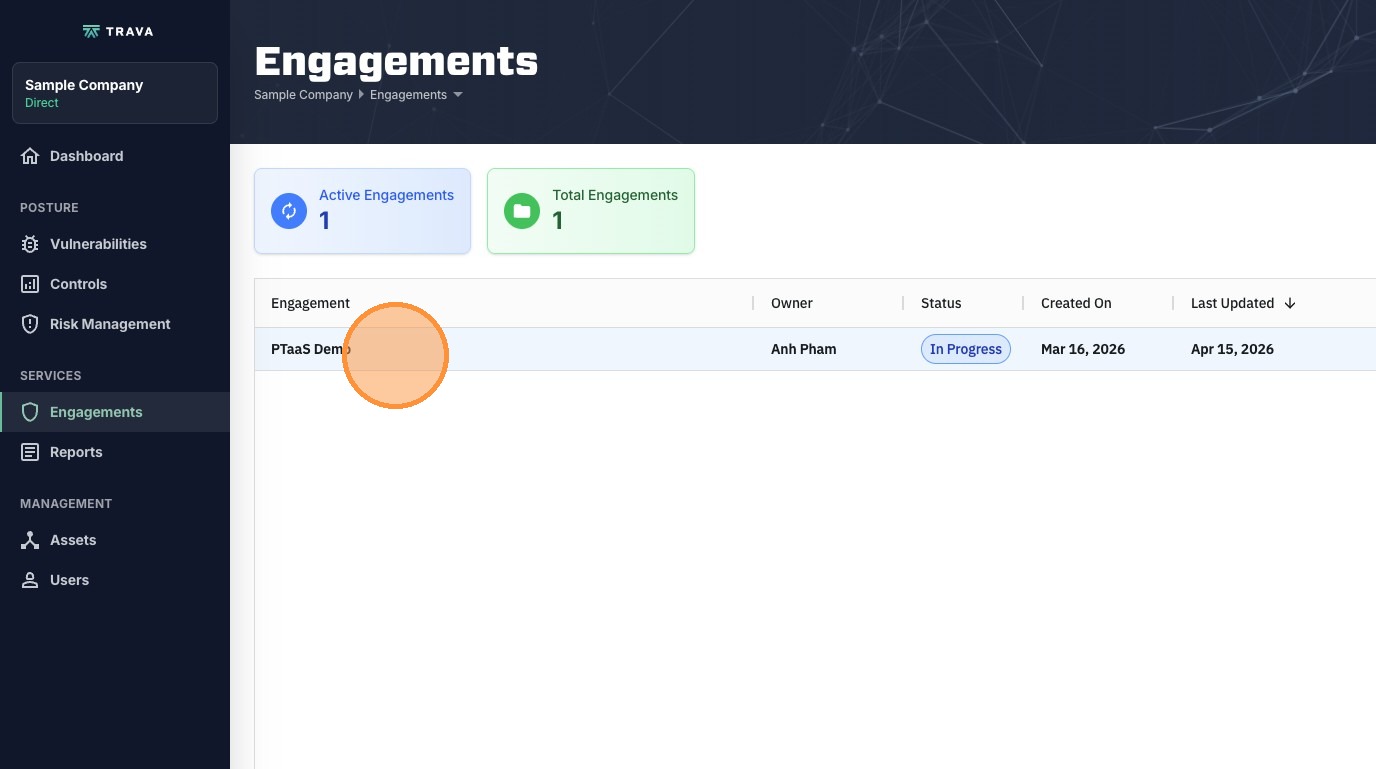
2. Click on the engagement you want to view
3. In the Dashboard, the first thing you will see is the engagement grades and progress. Original grade is calculated on all findings and Current grade is calculated on unresolved findings only.
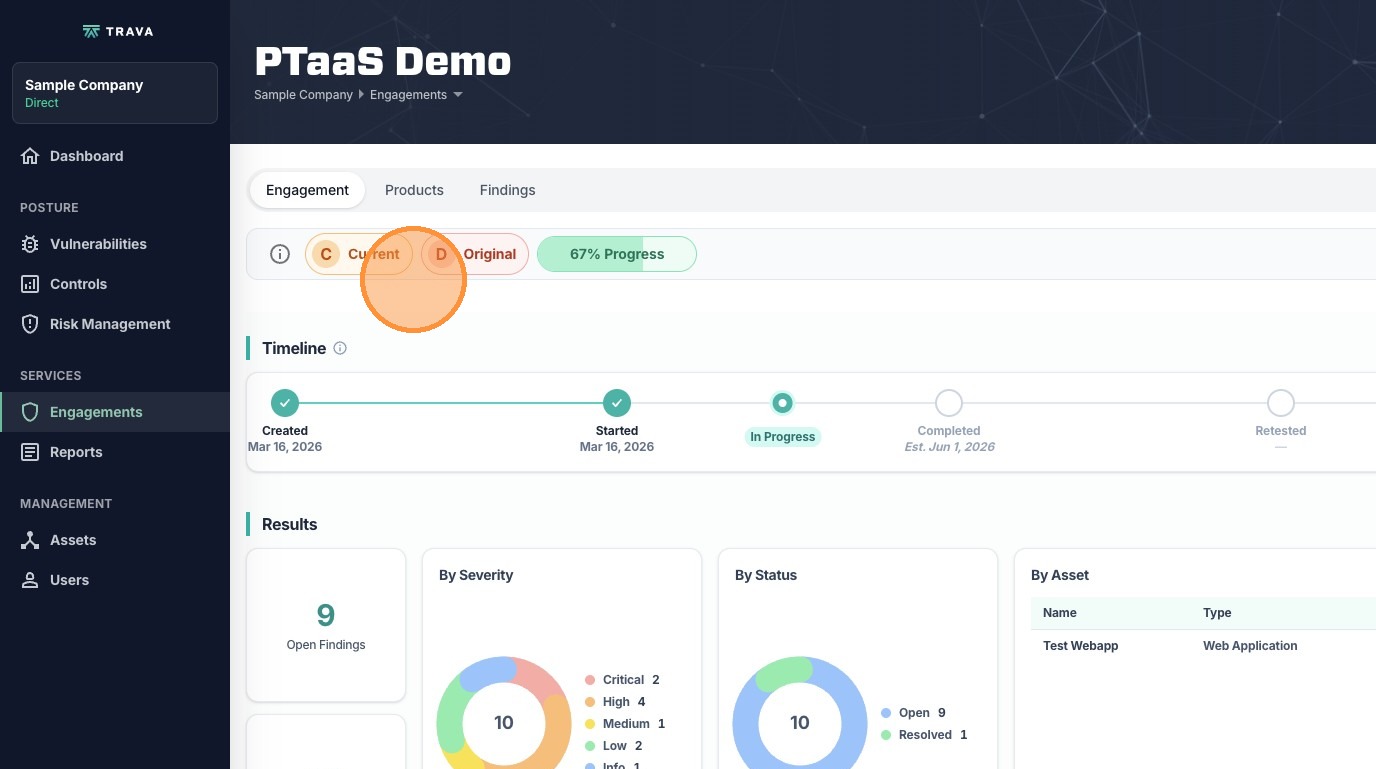
4. Next, you can see a timeline with engagement milestones and dates.
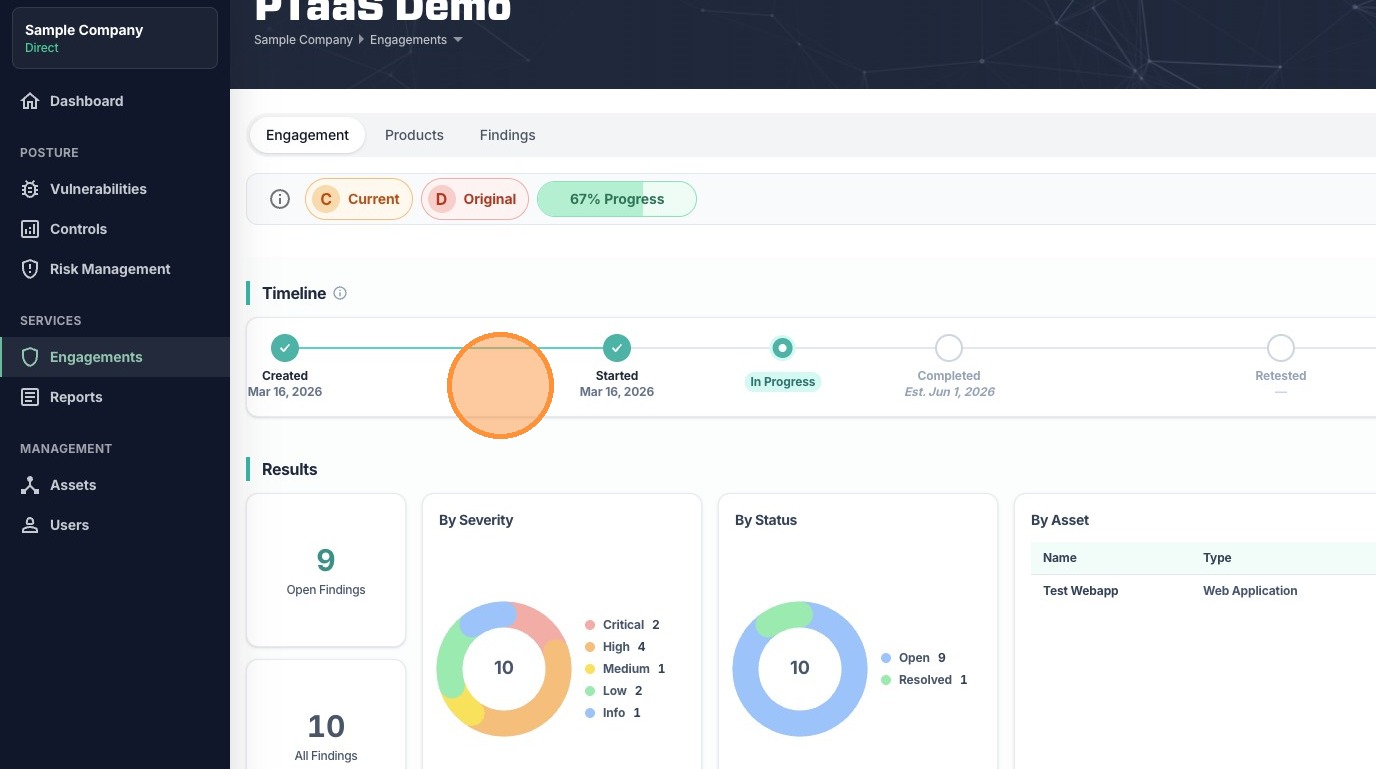
5. In the Results section, you can find information about findings in different breakdowns.
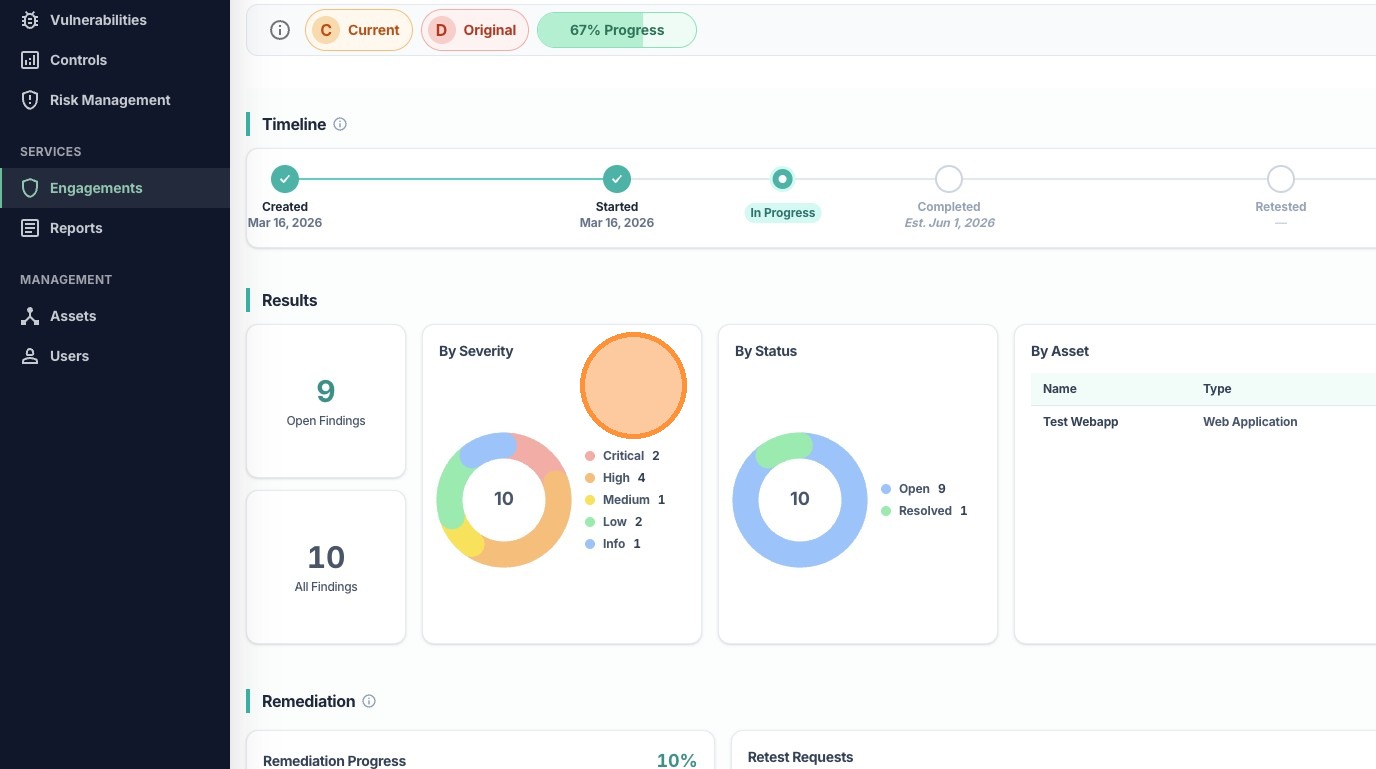
6. You can also see the assets being included in this engagement.
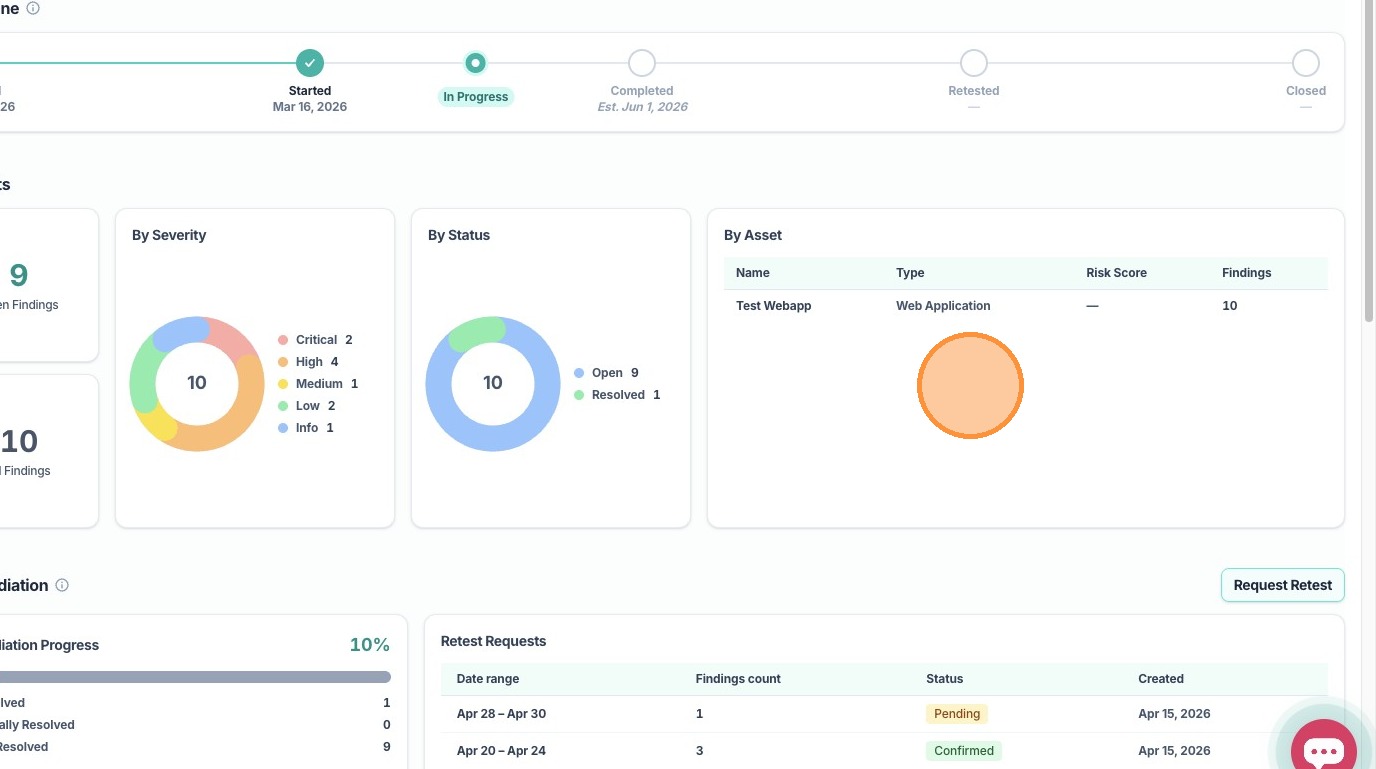
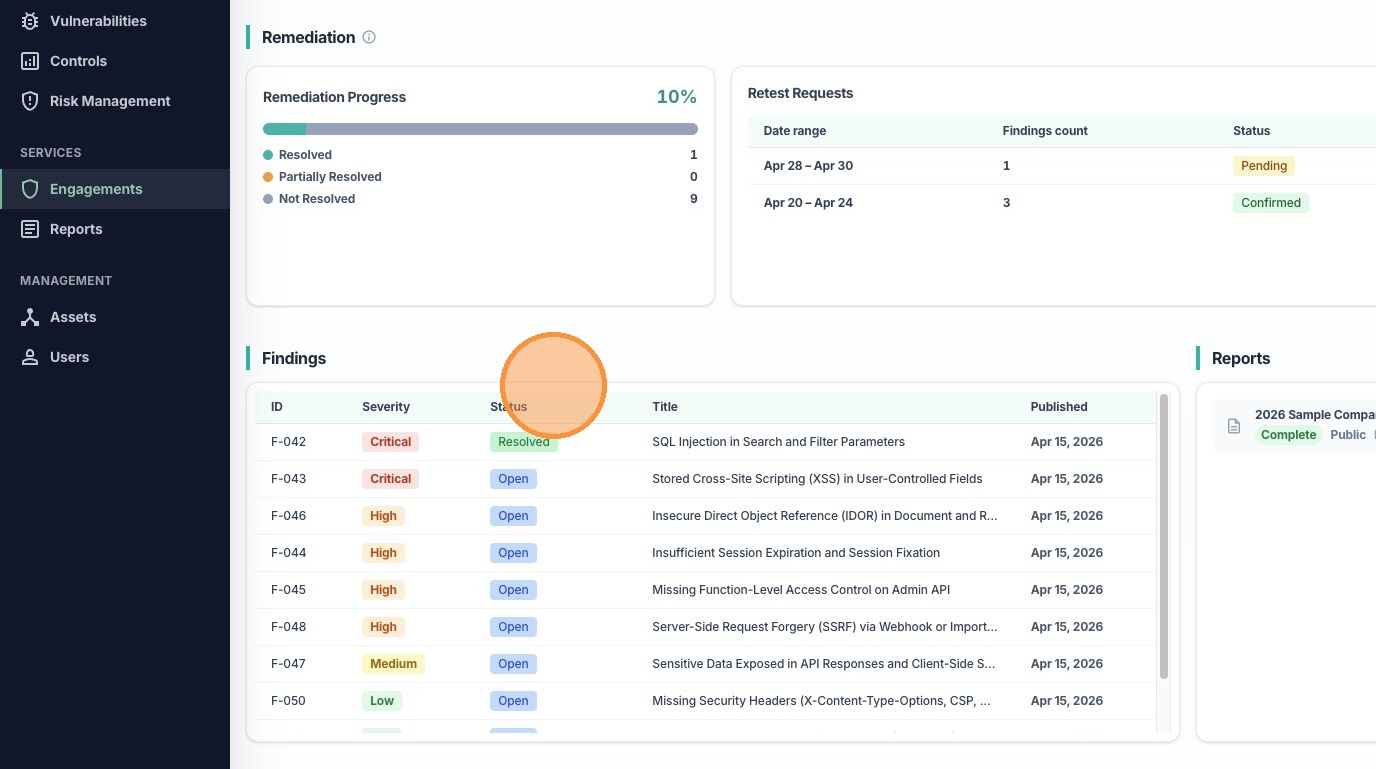
7. In the Remediation section, you will see your remediation progress on all findings in this engagement.
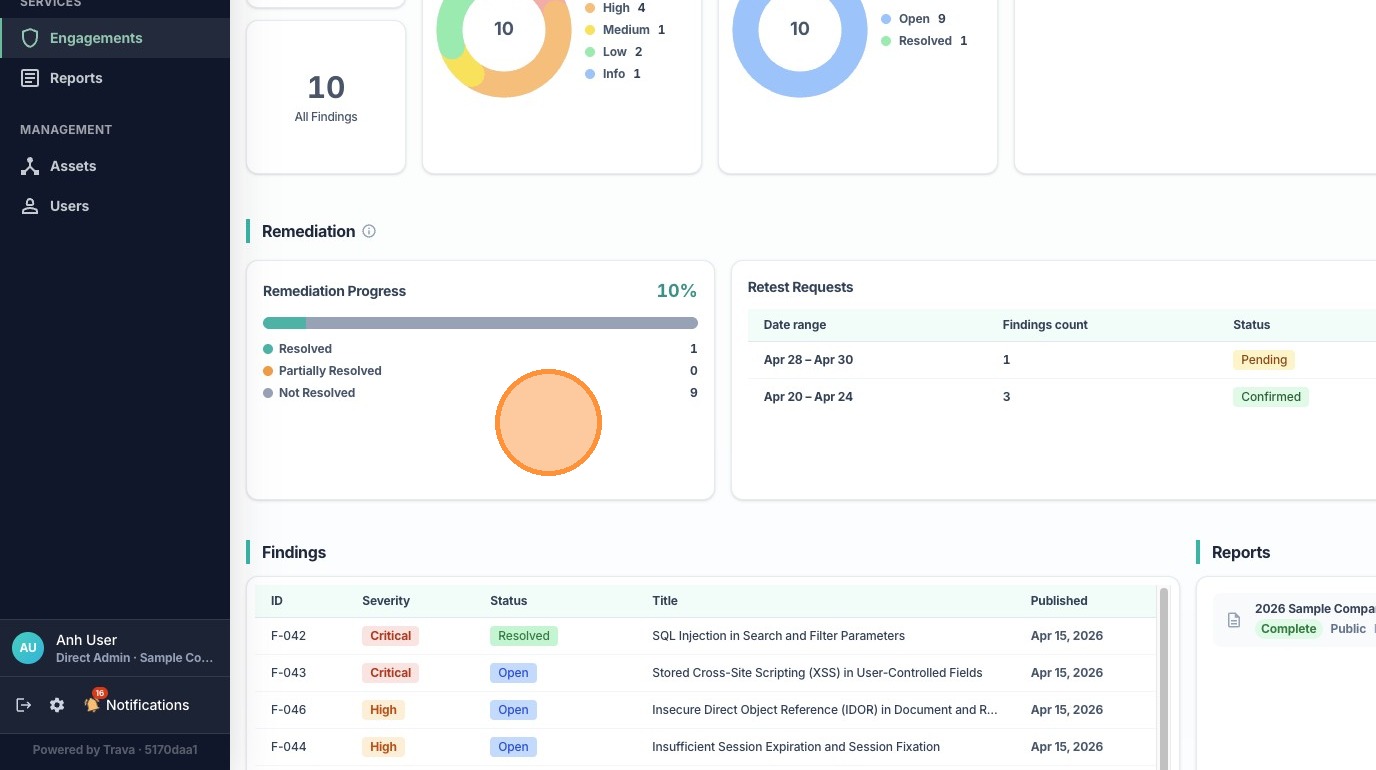
8. You can also see your submitted retest requests, or create a new request.
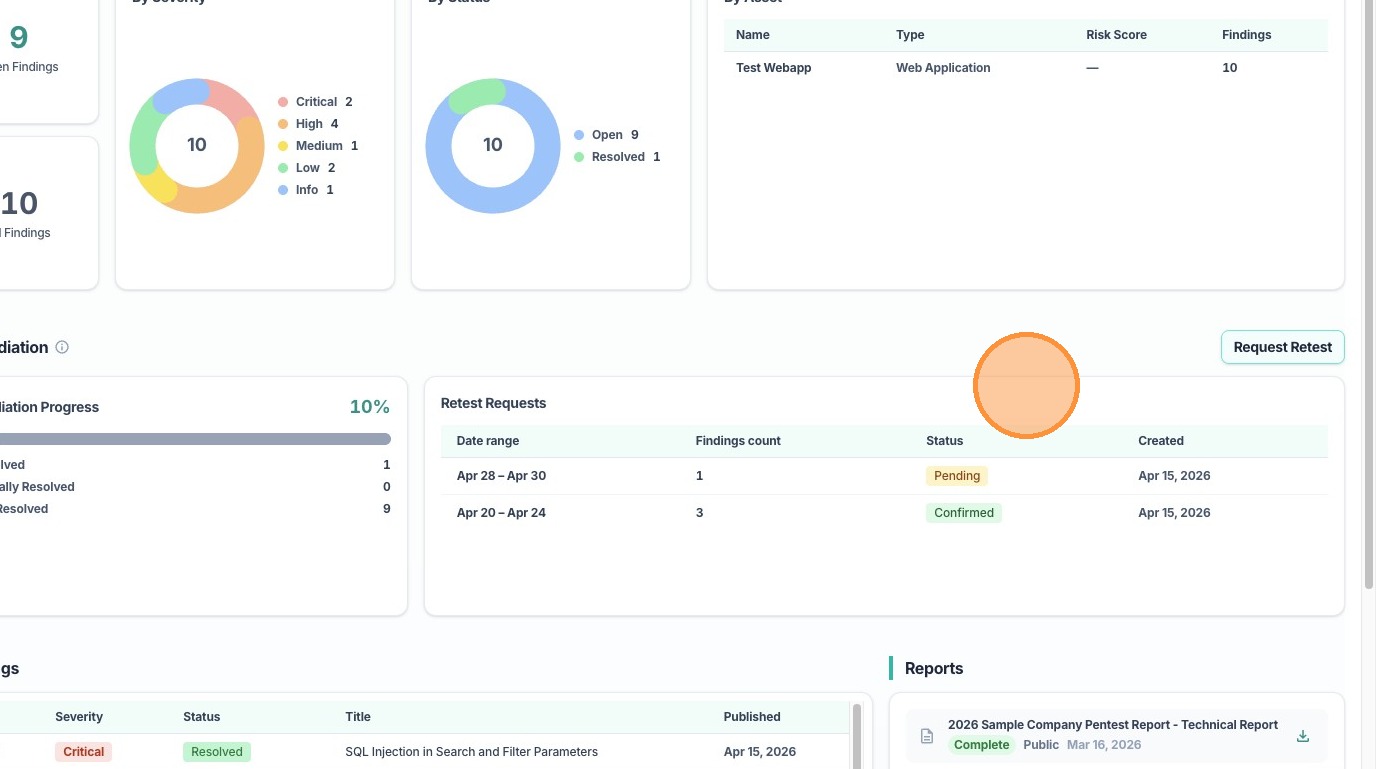
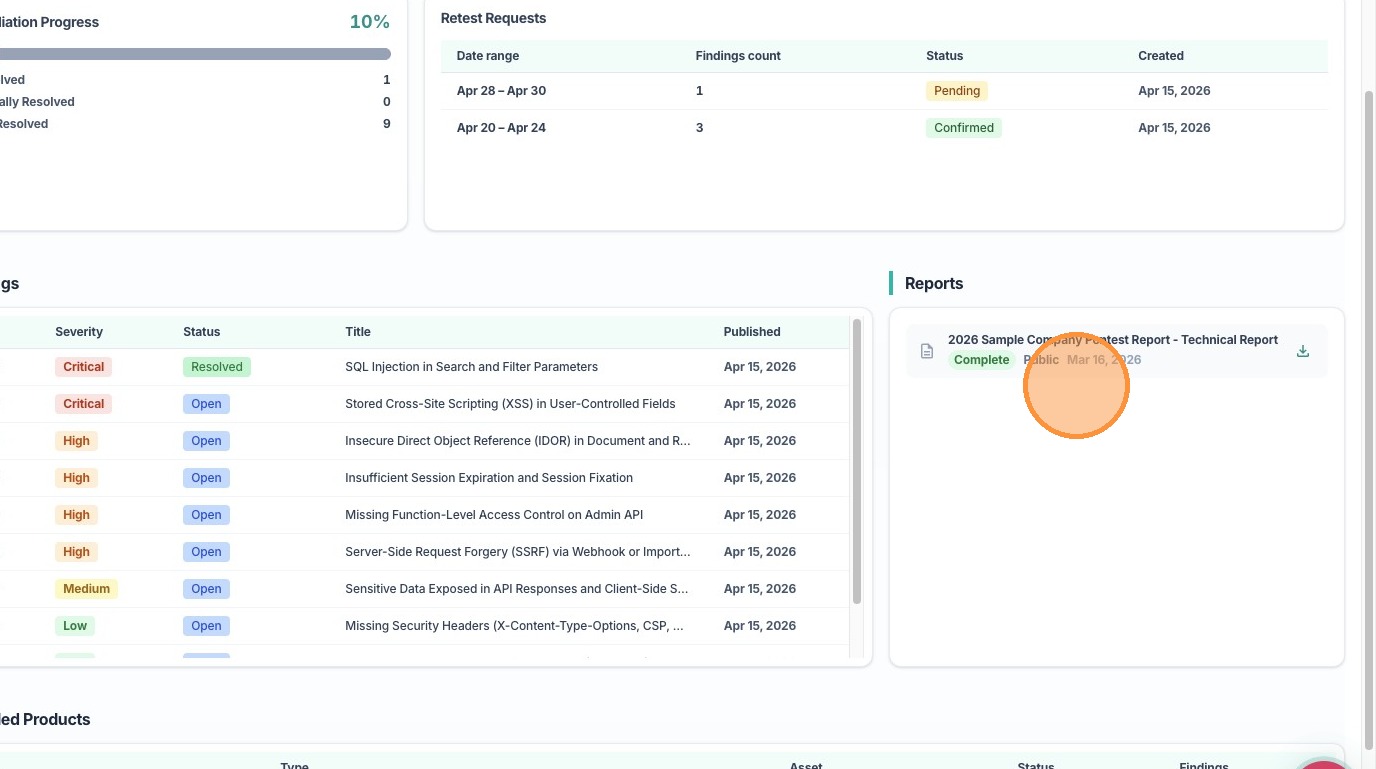
9. In the Findings section, you can find the list of all findings.
10. In the Reports section, you can see a list of all reports generated for this engagement and can choose to download any of them.
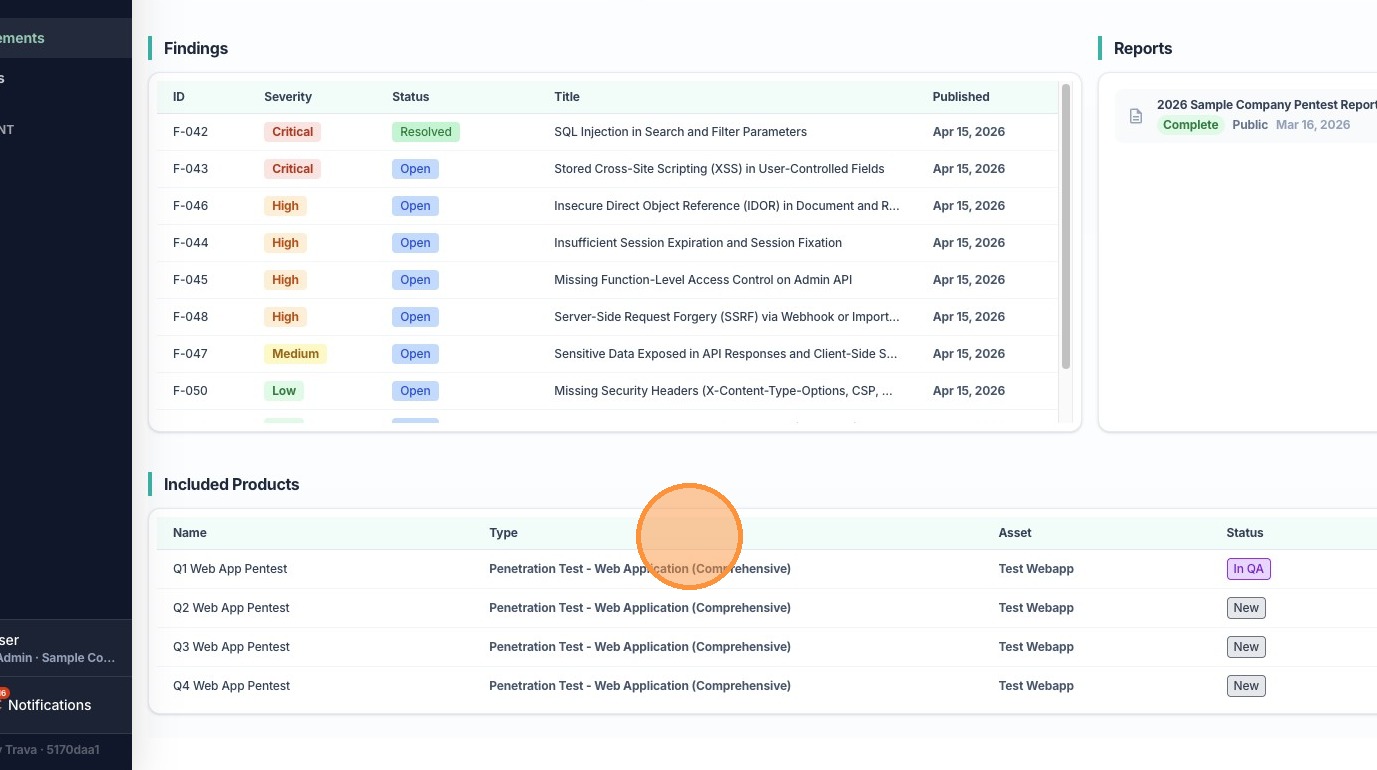
11. Lastly, in the Included Products section, you can see all the test types included in this engagement.
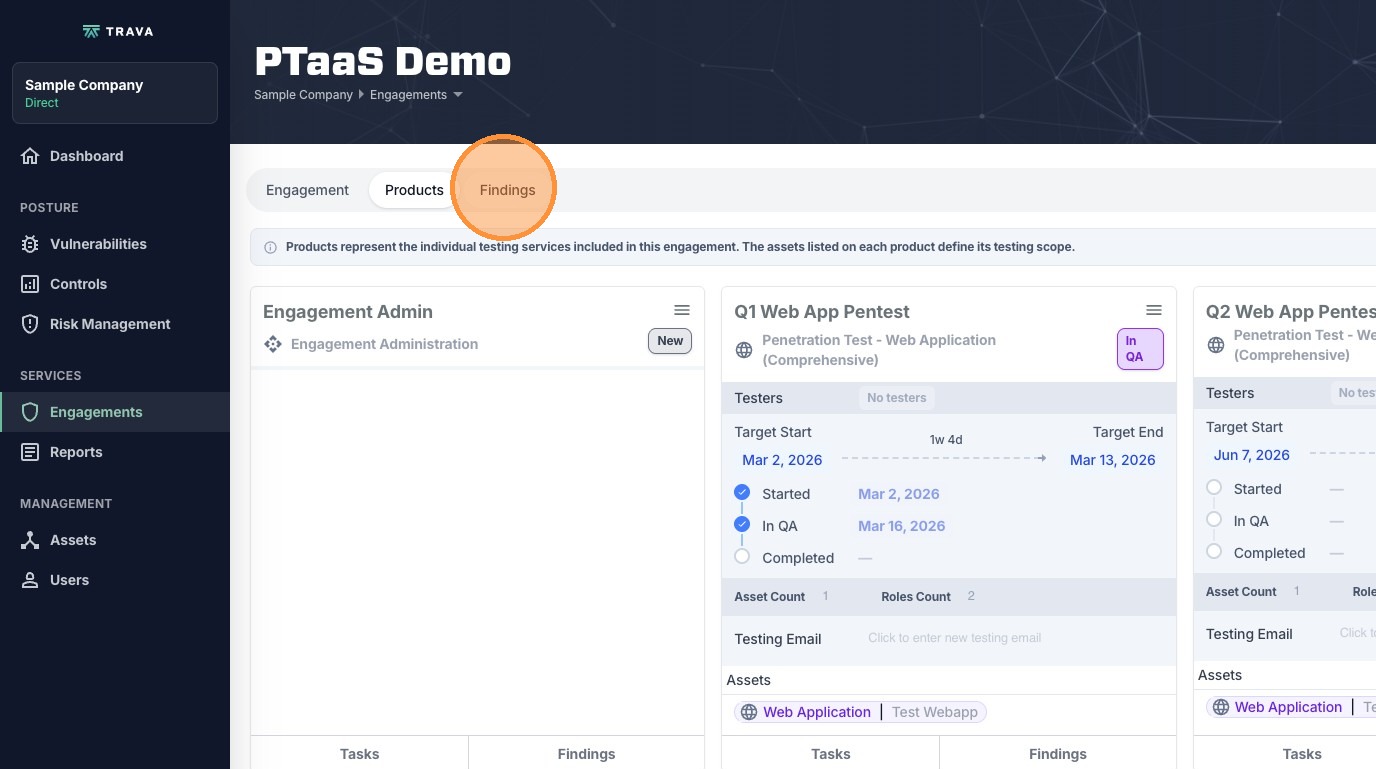
12. Next, click Products at the top.
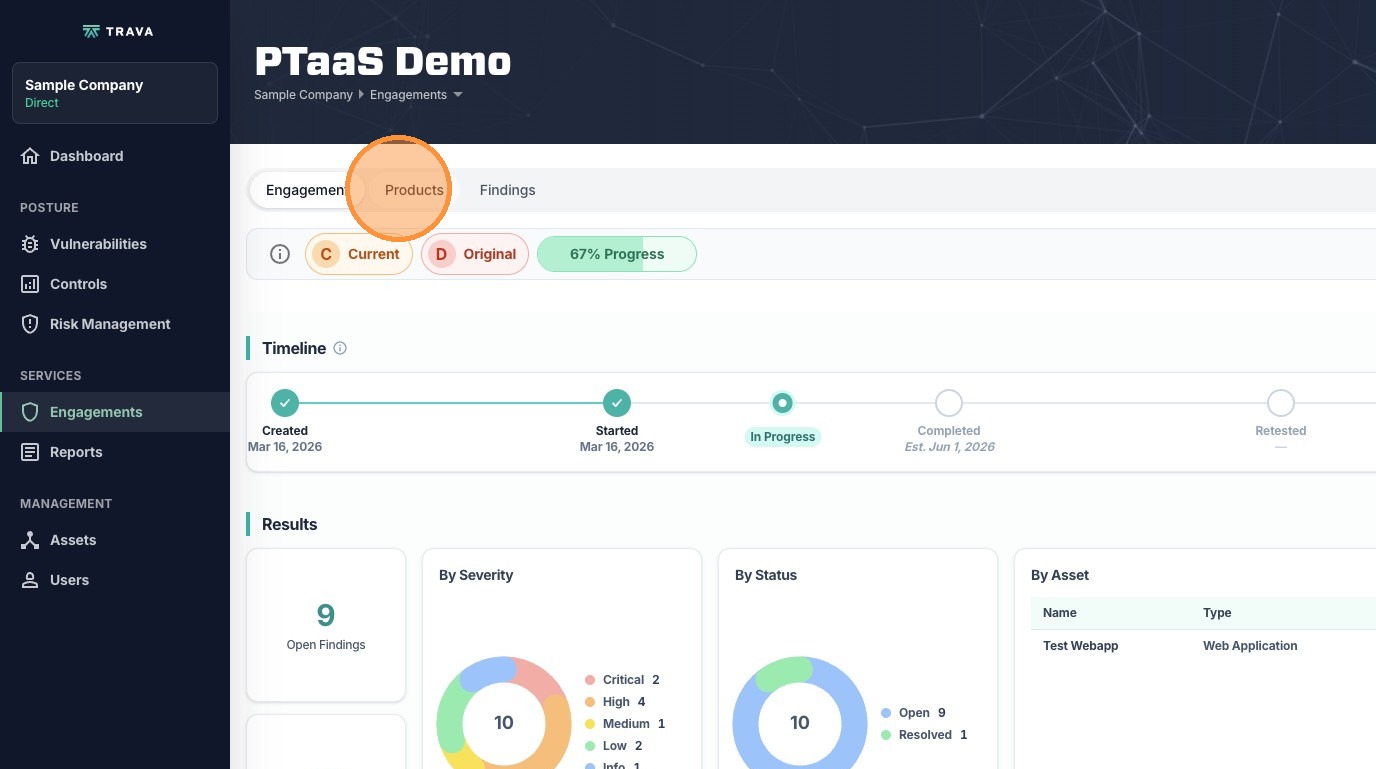
13. Here, you can see more details about each product (test type) included in this engagement
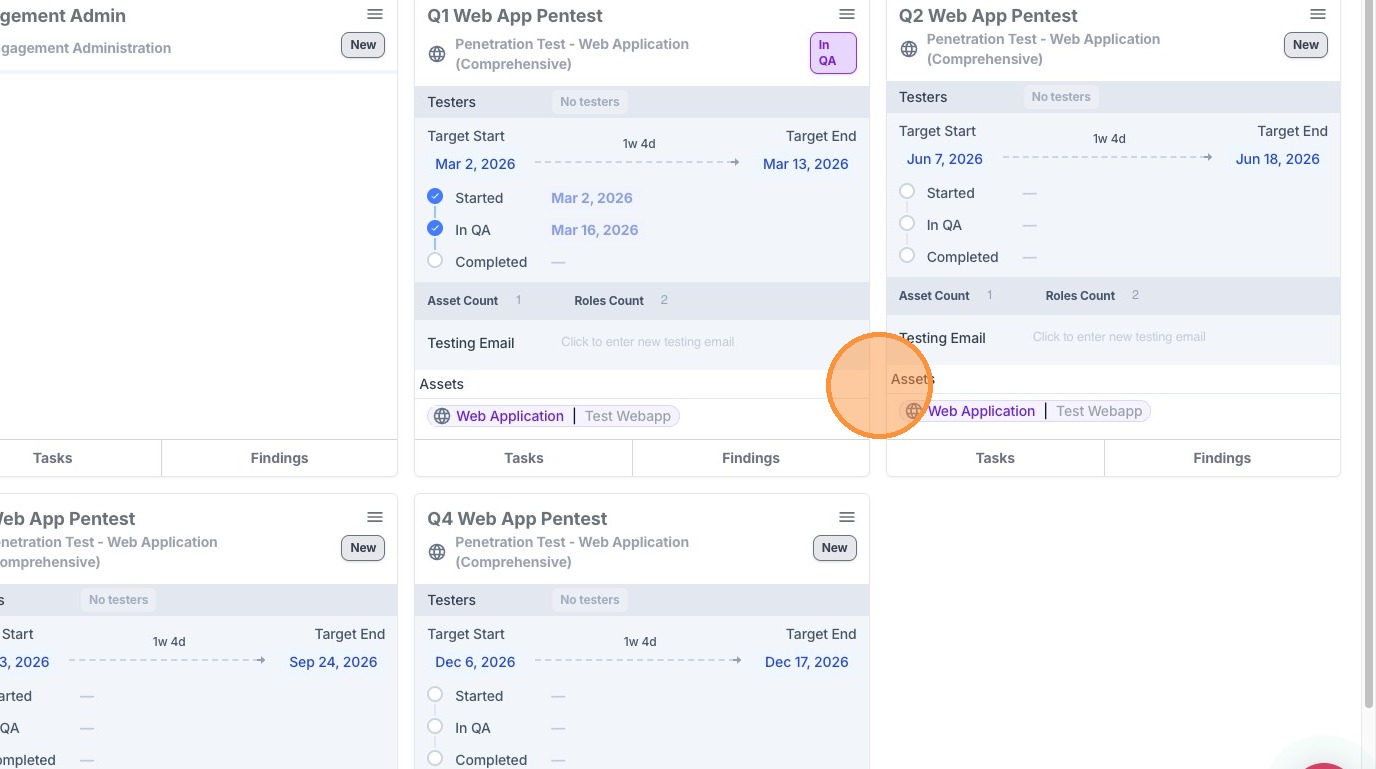
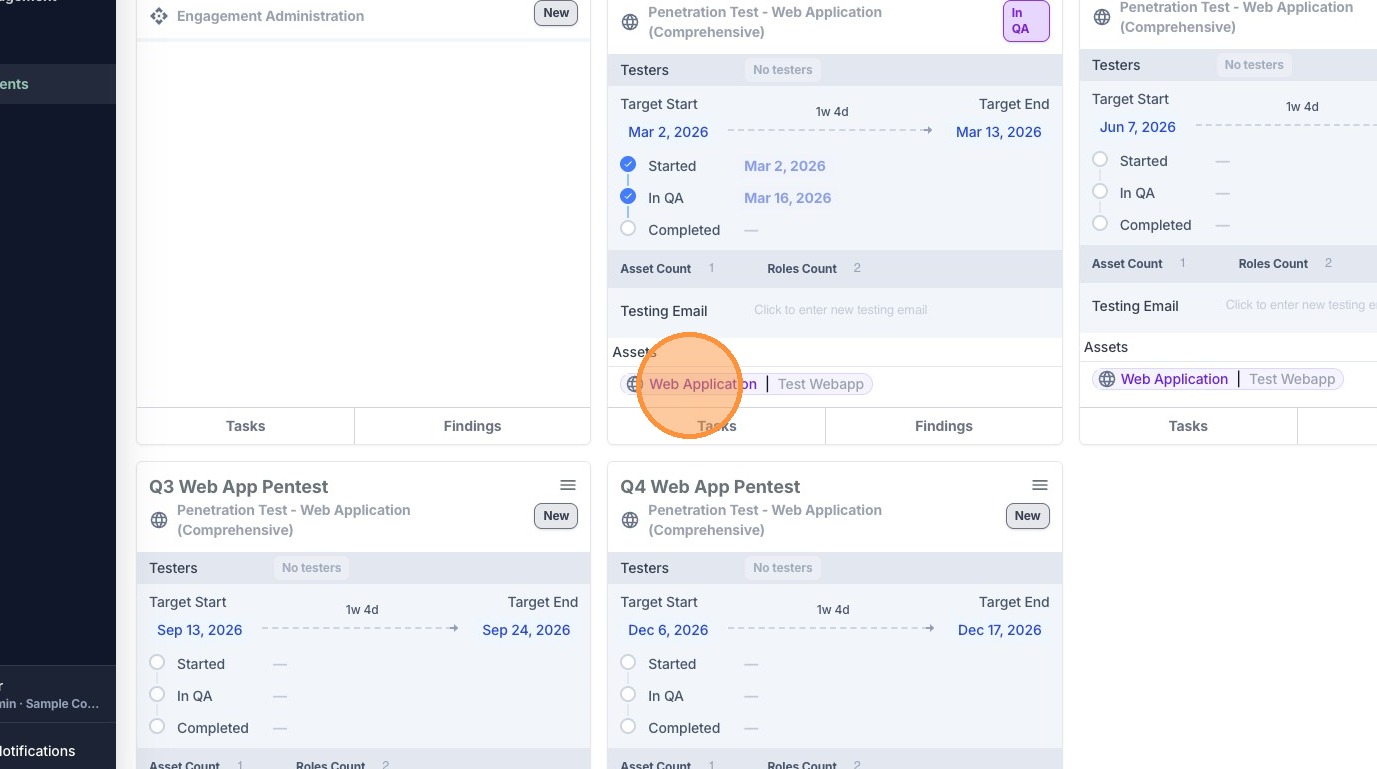
14. Click on any asset in any product to open up the Asset Details drawer
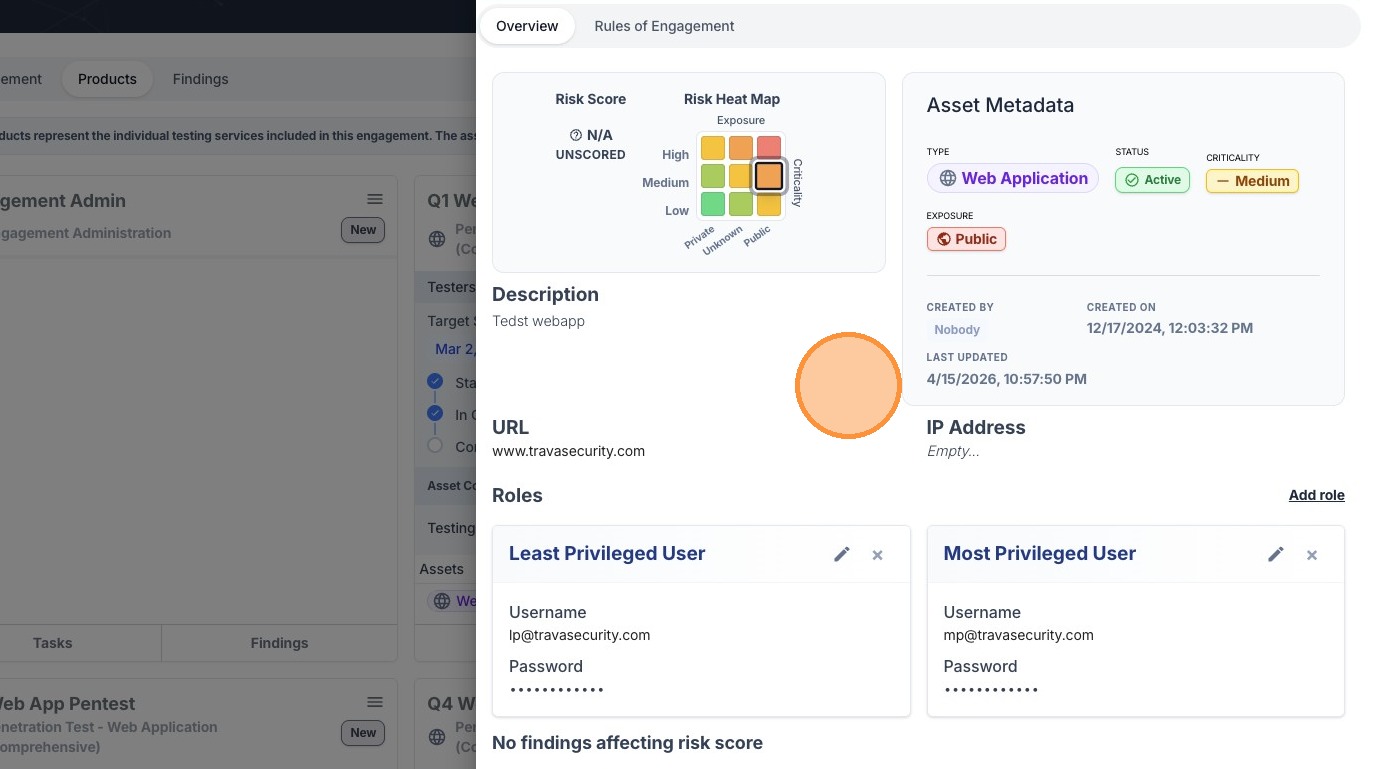
15. The Asset Details drawer show even more detailed information about the asset, as well as attached credentials for testing.
16. Click Findings to go to that tab.
17. Click on the icon in the View column to view any finding.
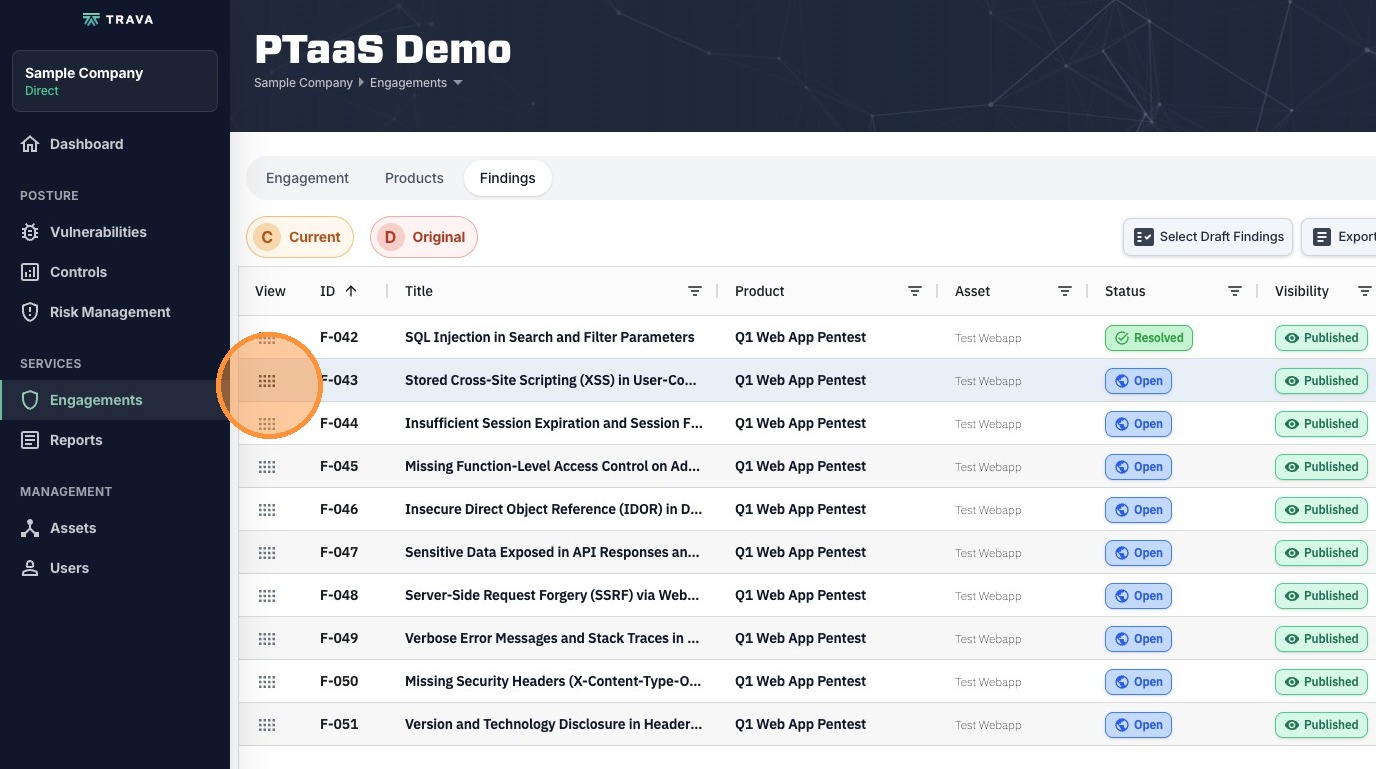
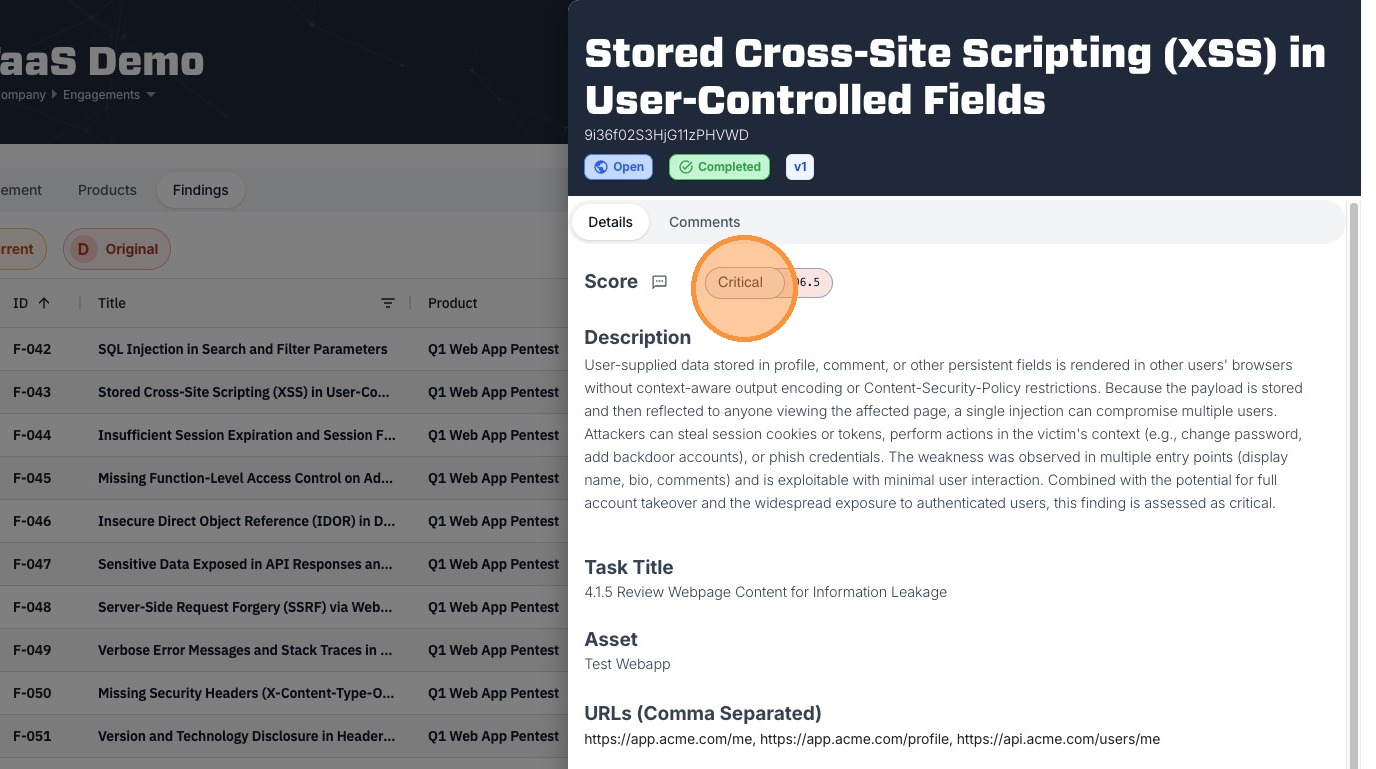
18. In the Finding Details drawer, you can find more information about each finding.