How To Comment on Findings

Apr 16, 2026
158

Learn how to comment and collaborate on findings with your Trava Security's penetration testing team.
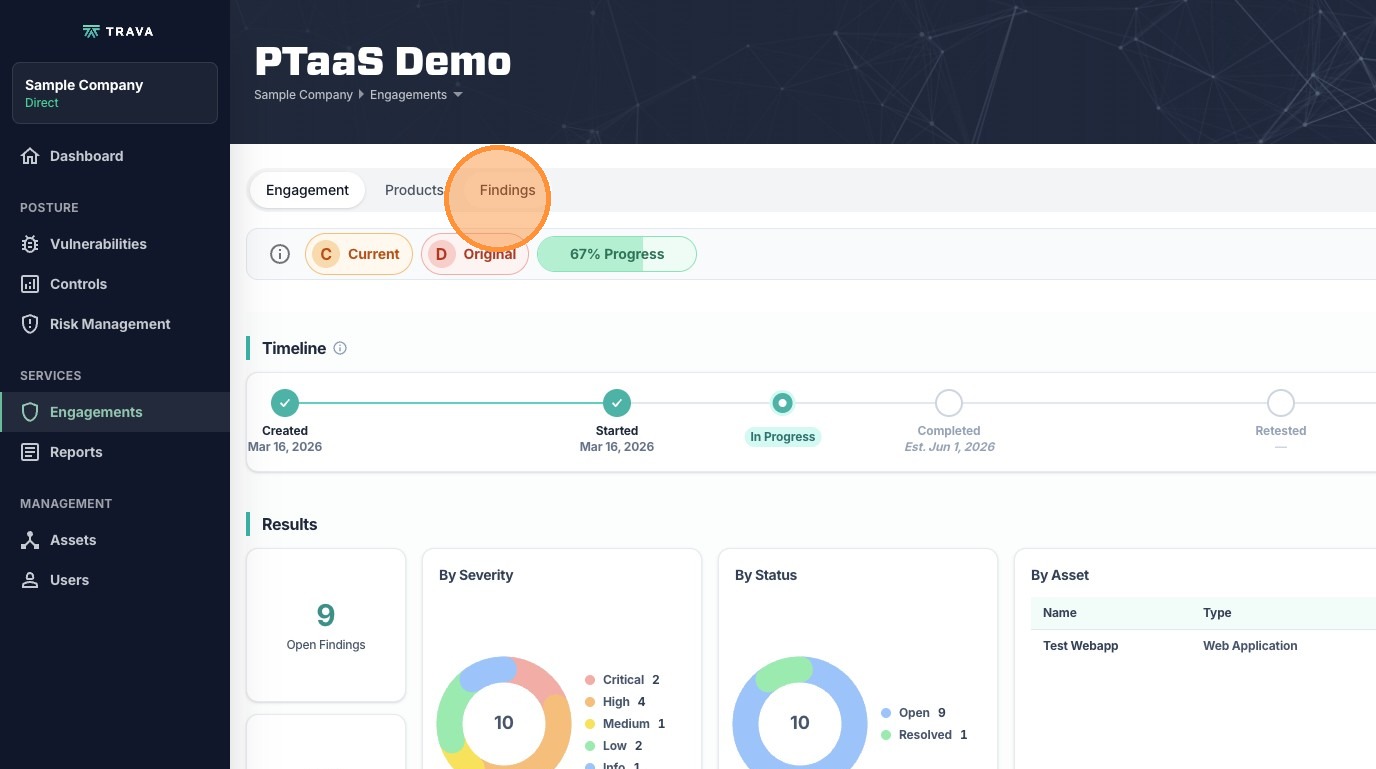
1. In the engagement dashboard, click Findings
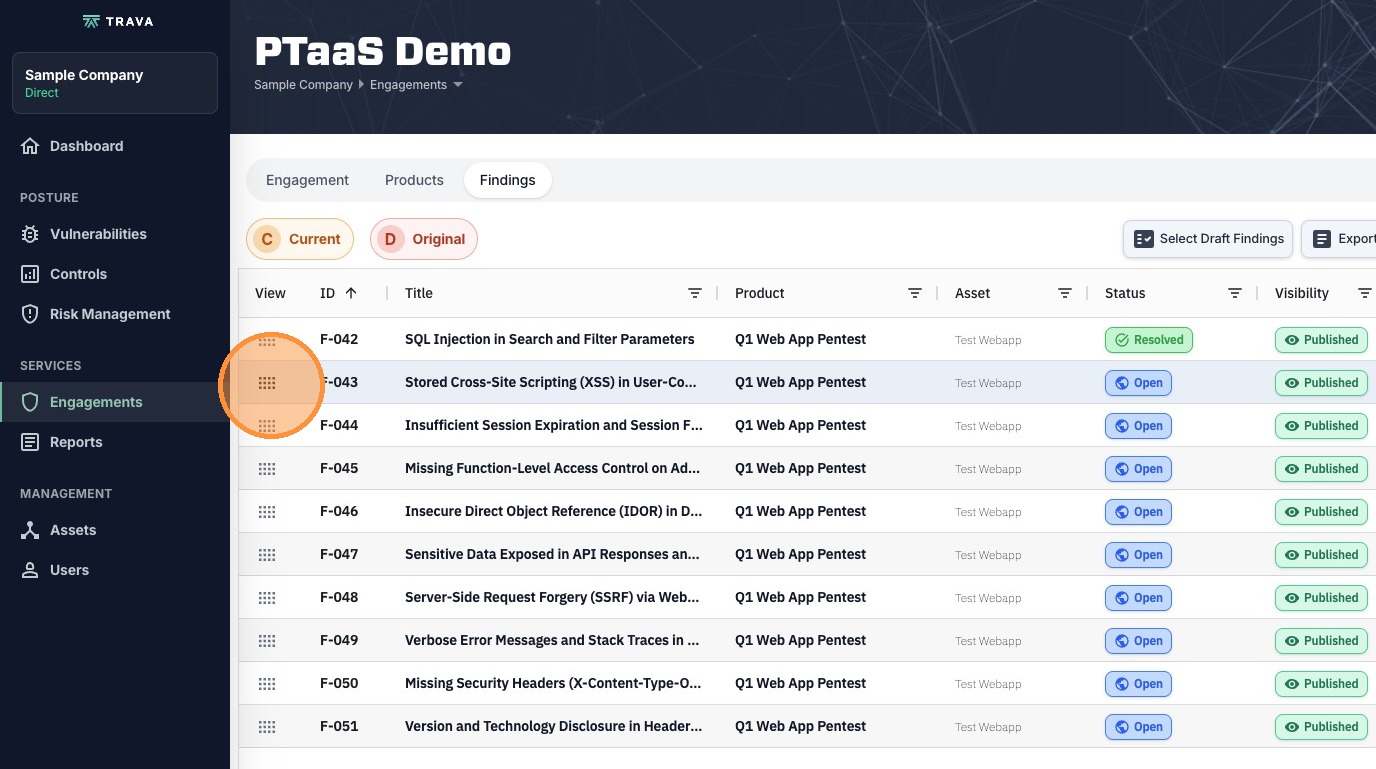
2. Use the View button to open up any finding you want to add comments for
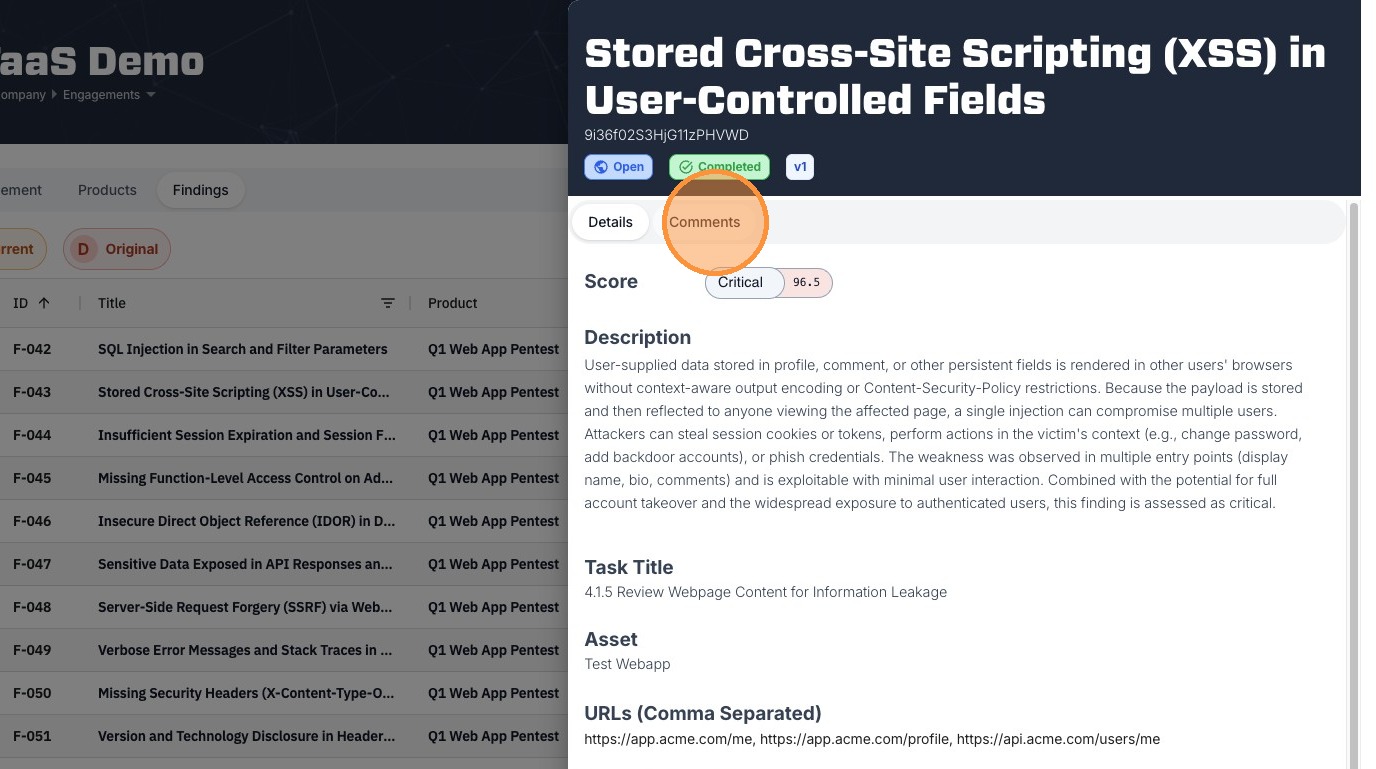
3. In the Finding Details drawer, click Comments
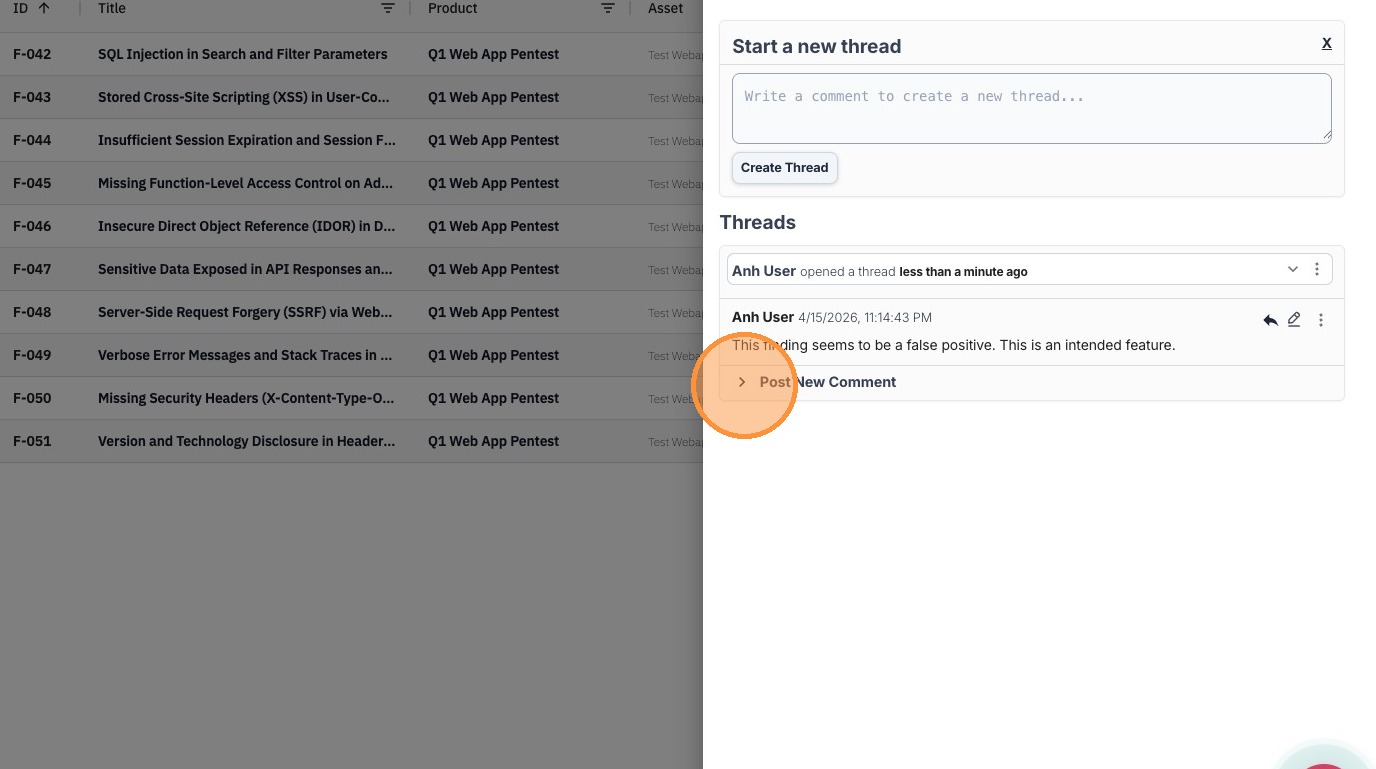
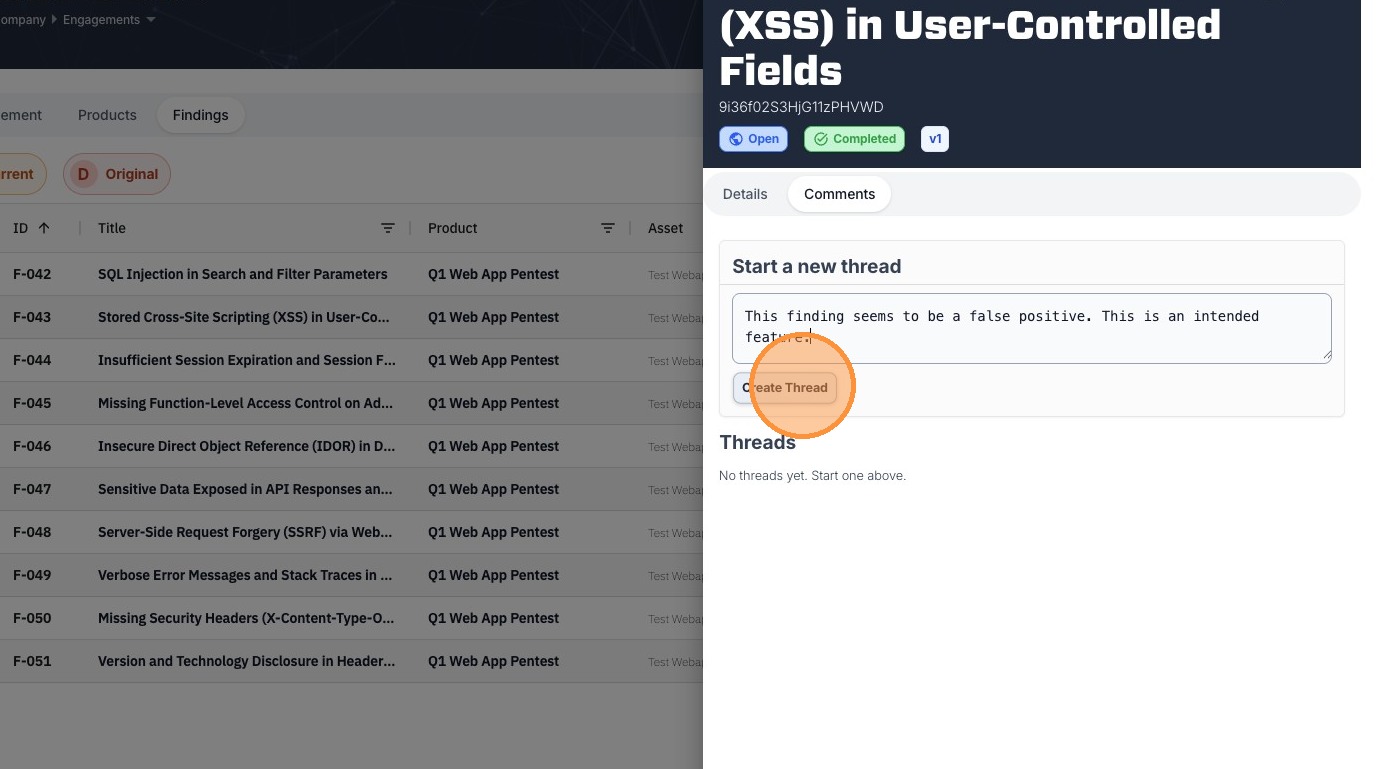
4. Type in a comment and click Create Thread to post
5. You can also reply to a comment by clicking here
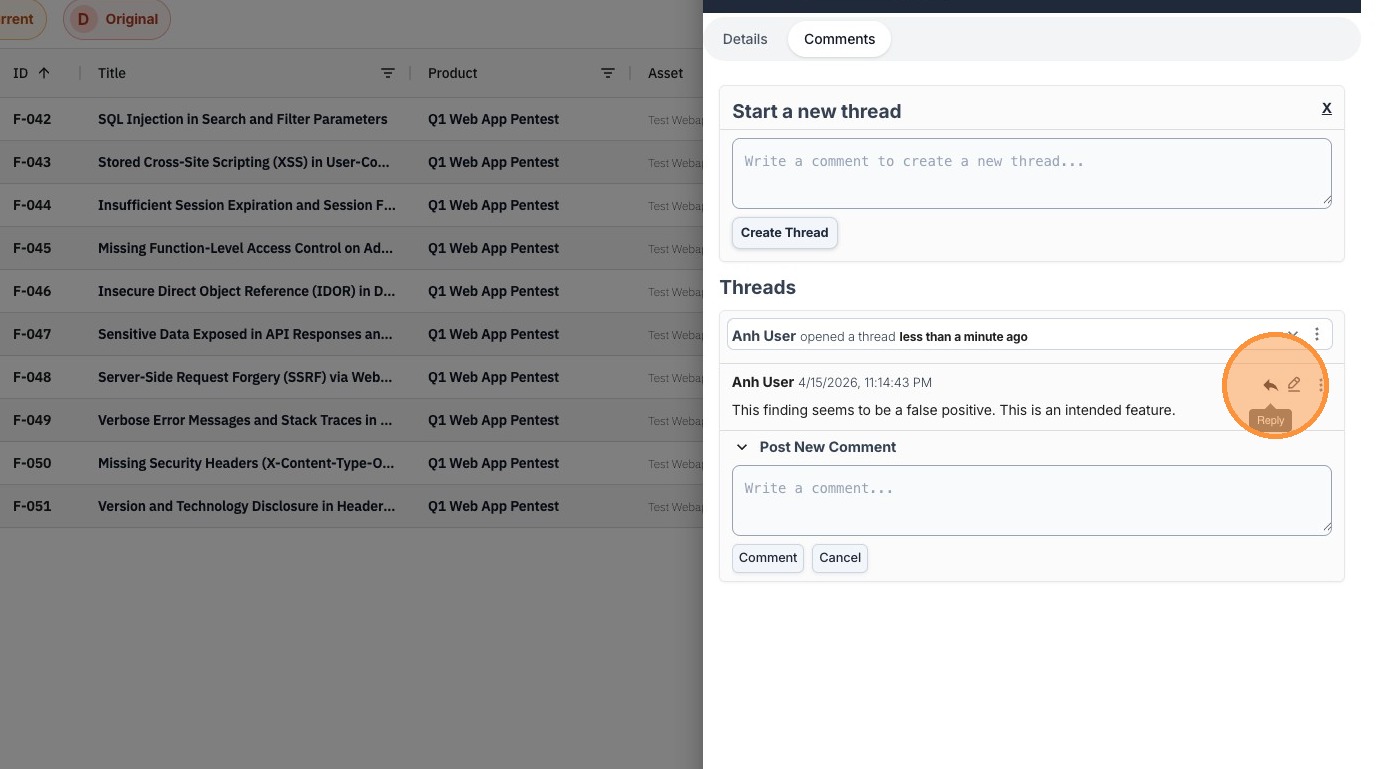
6. Or you can post a new comment in a thread by clicking here