How To Request a Retest

Apr 16, 2026
292

Follow this guide to effectively submit a retest request for your penetration testing findings.
1. Go to your engagement dashboard
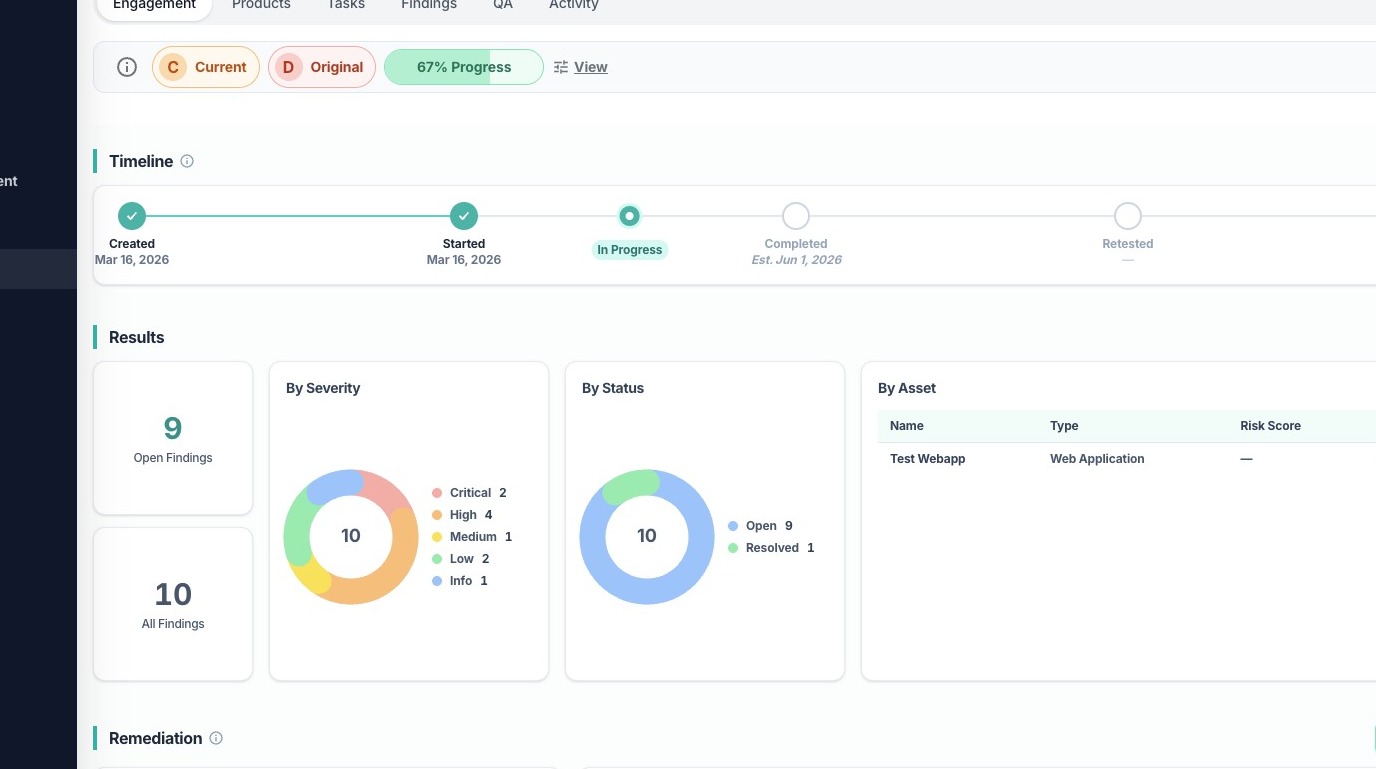
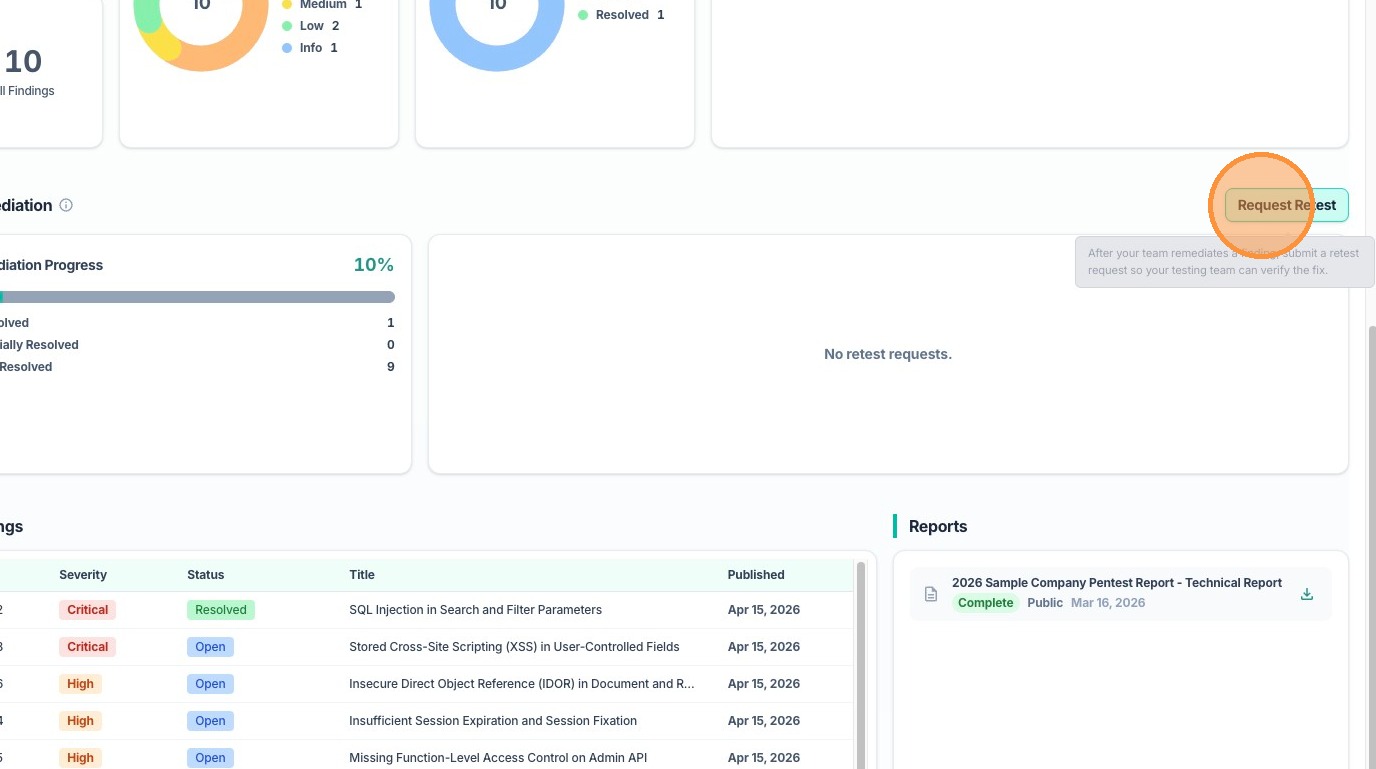
2. Scroll down to Remediation section and click Request Retest button
3. In the Request Retest dialog, select the findings that need to be retested. Tip: use the Product filter if there are multiple tests in an engagement for quick filtering
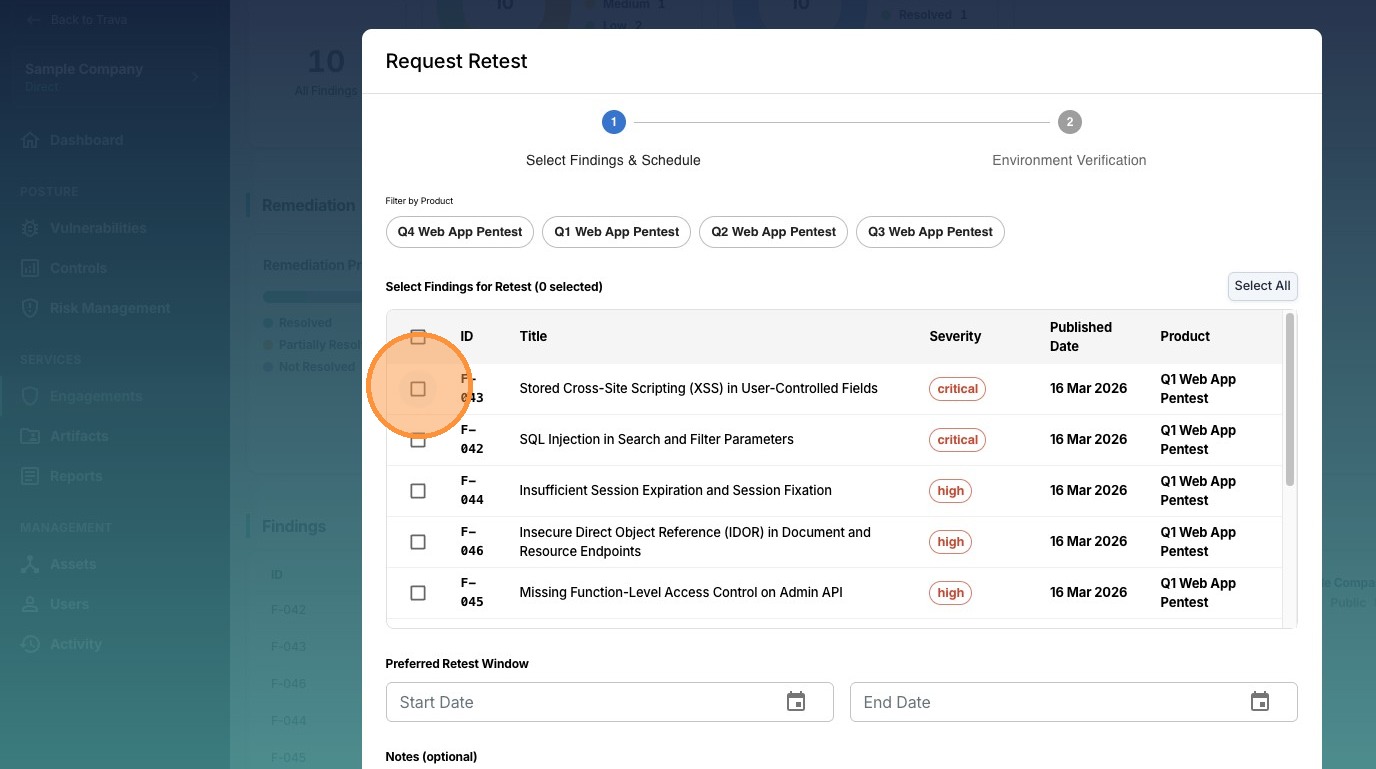
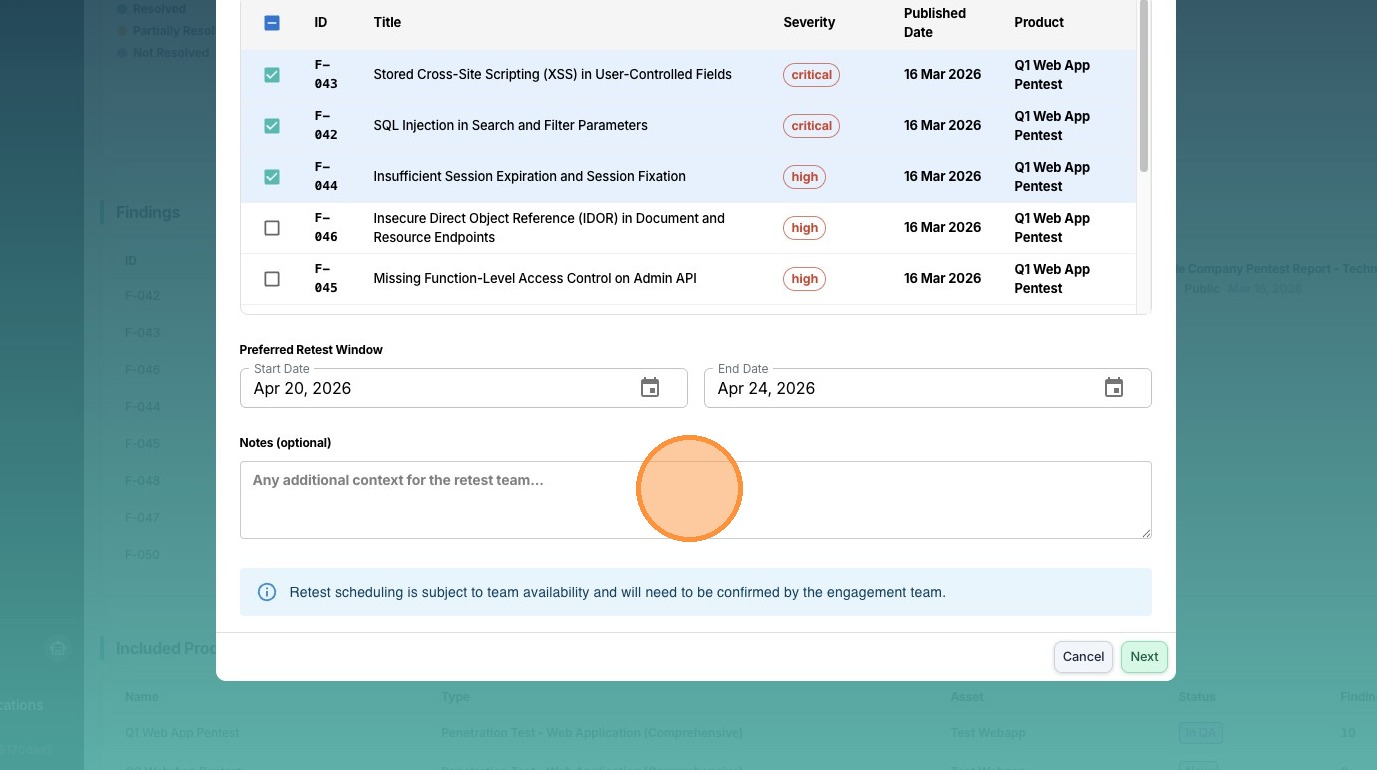
4. Choose the preferred retest window
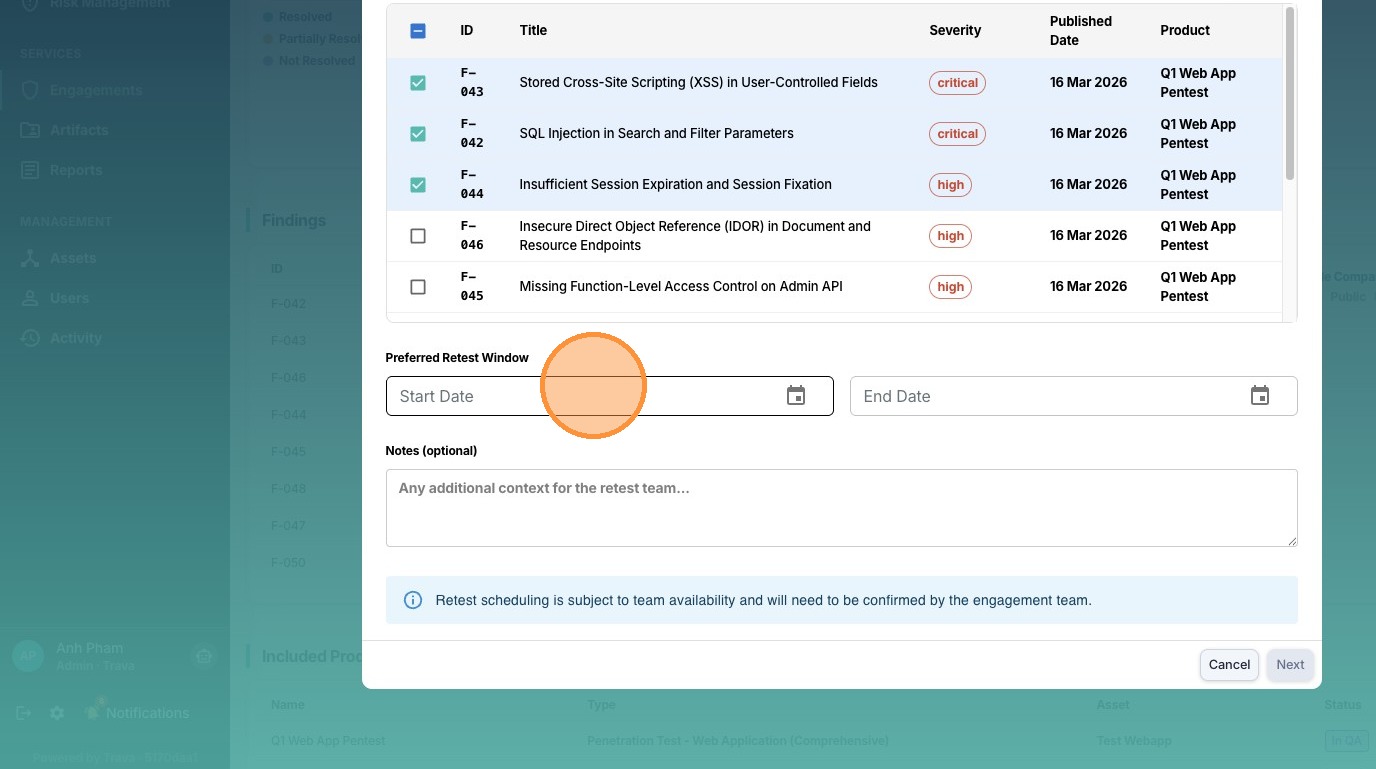
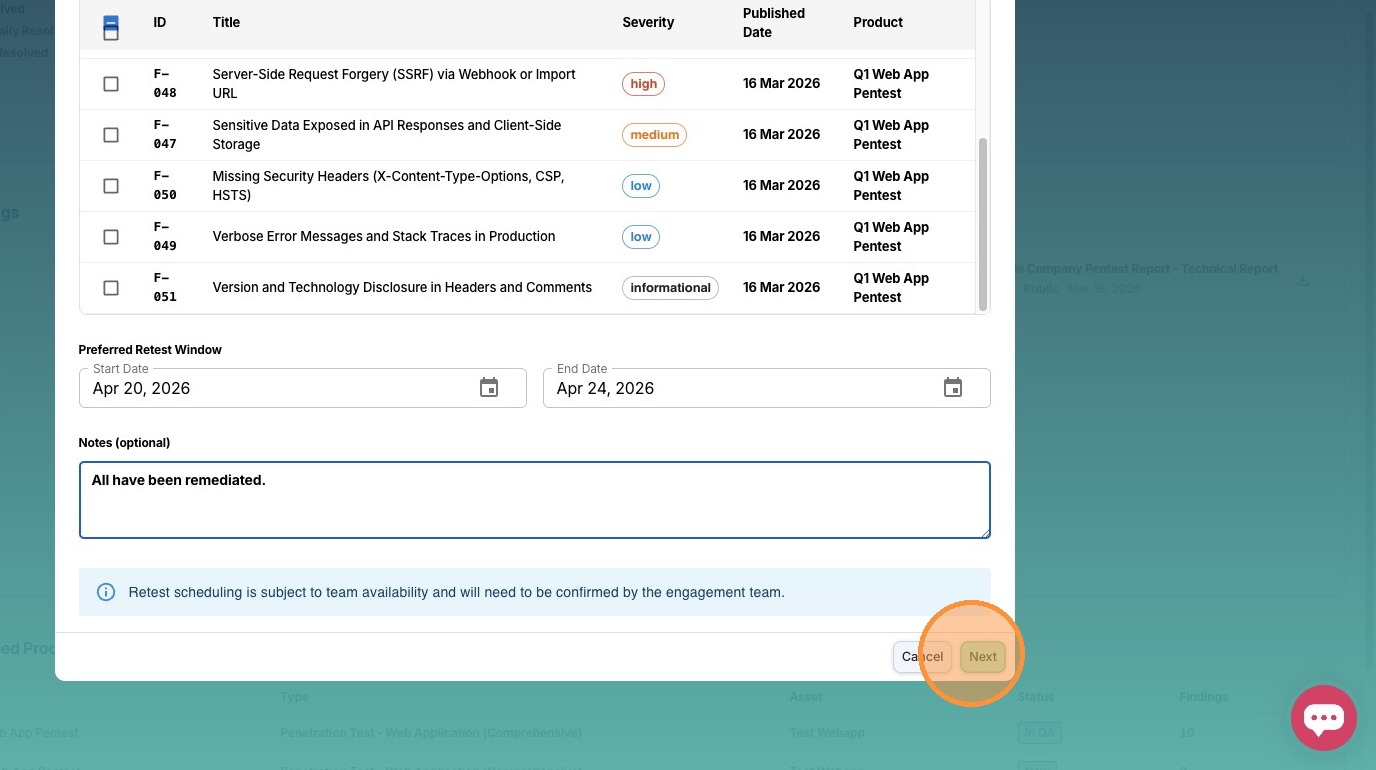
5. Enter any additional notes if needed.
6. Click Next
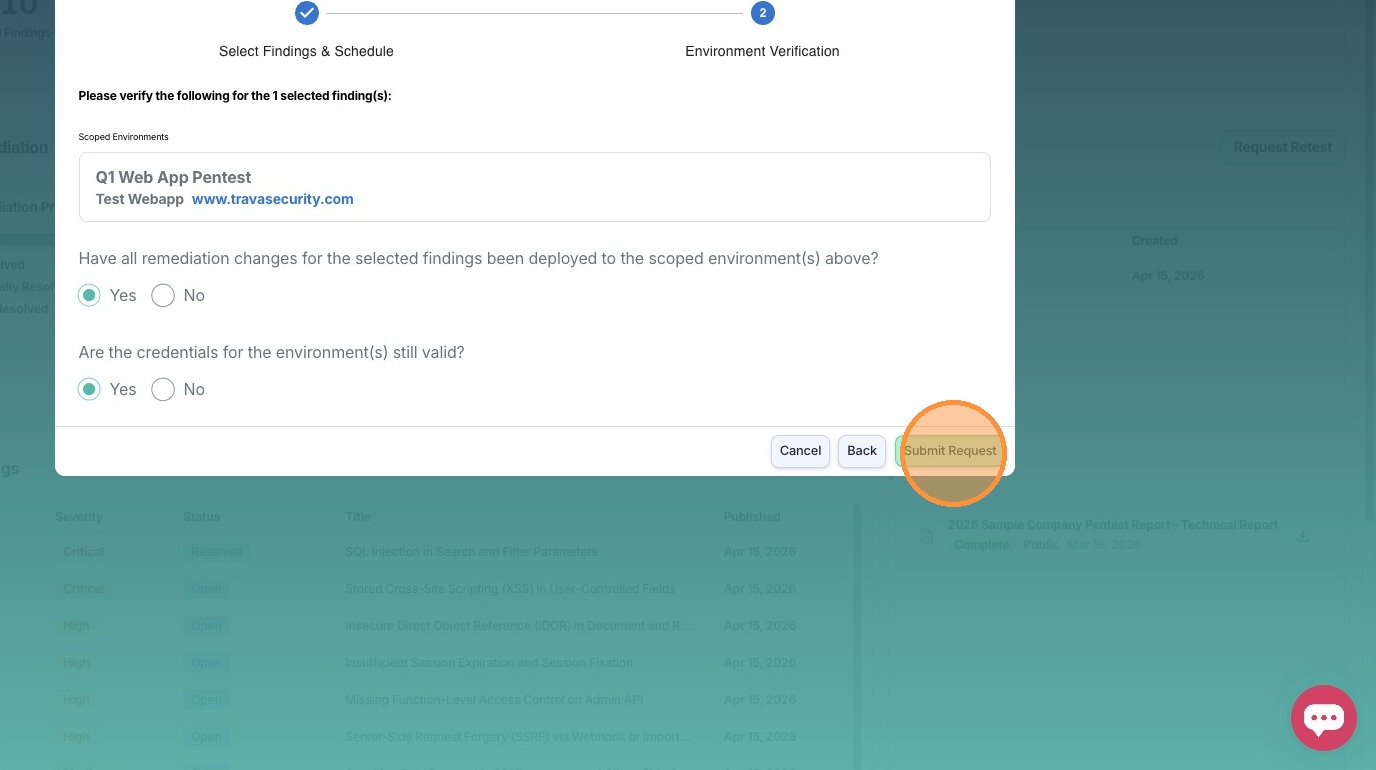
7. Answer the following questions
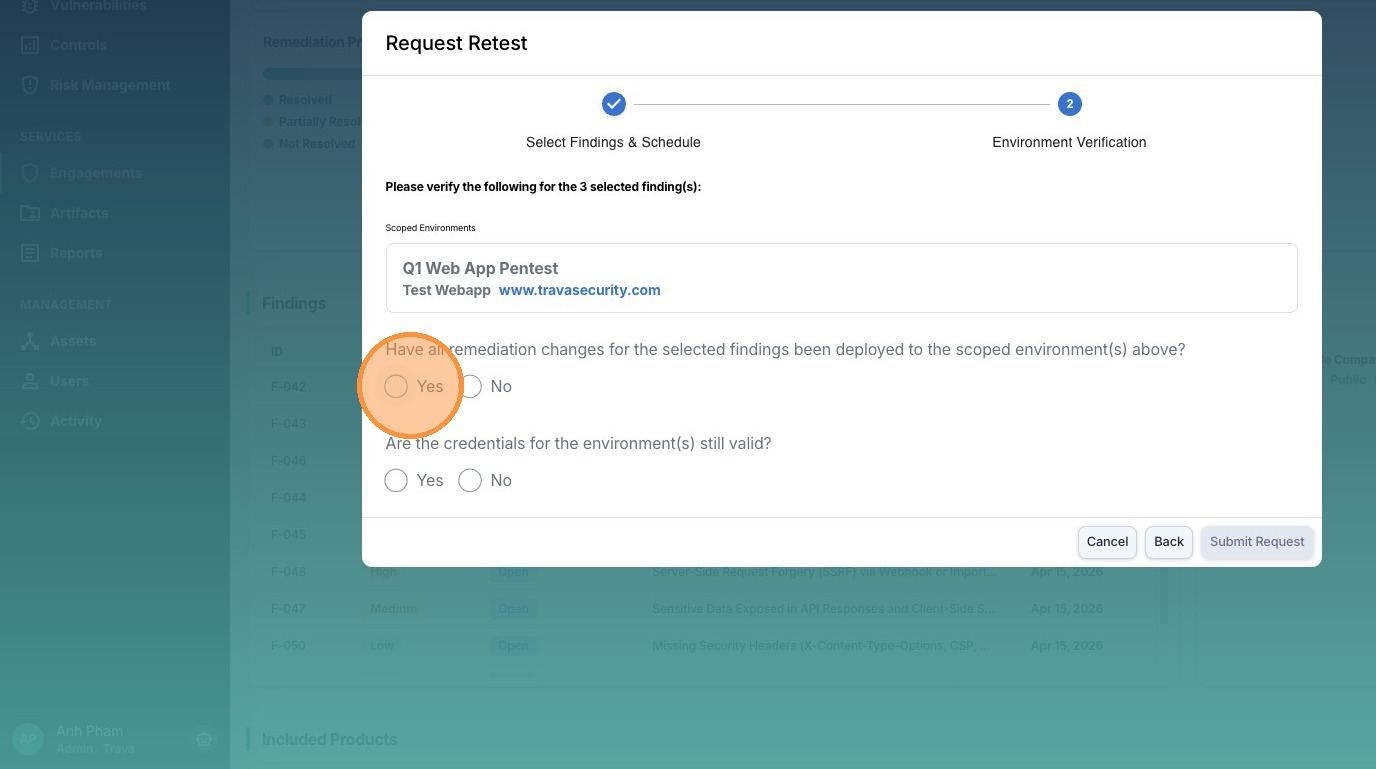
8. Click **Submit Request** to finish
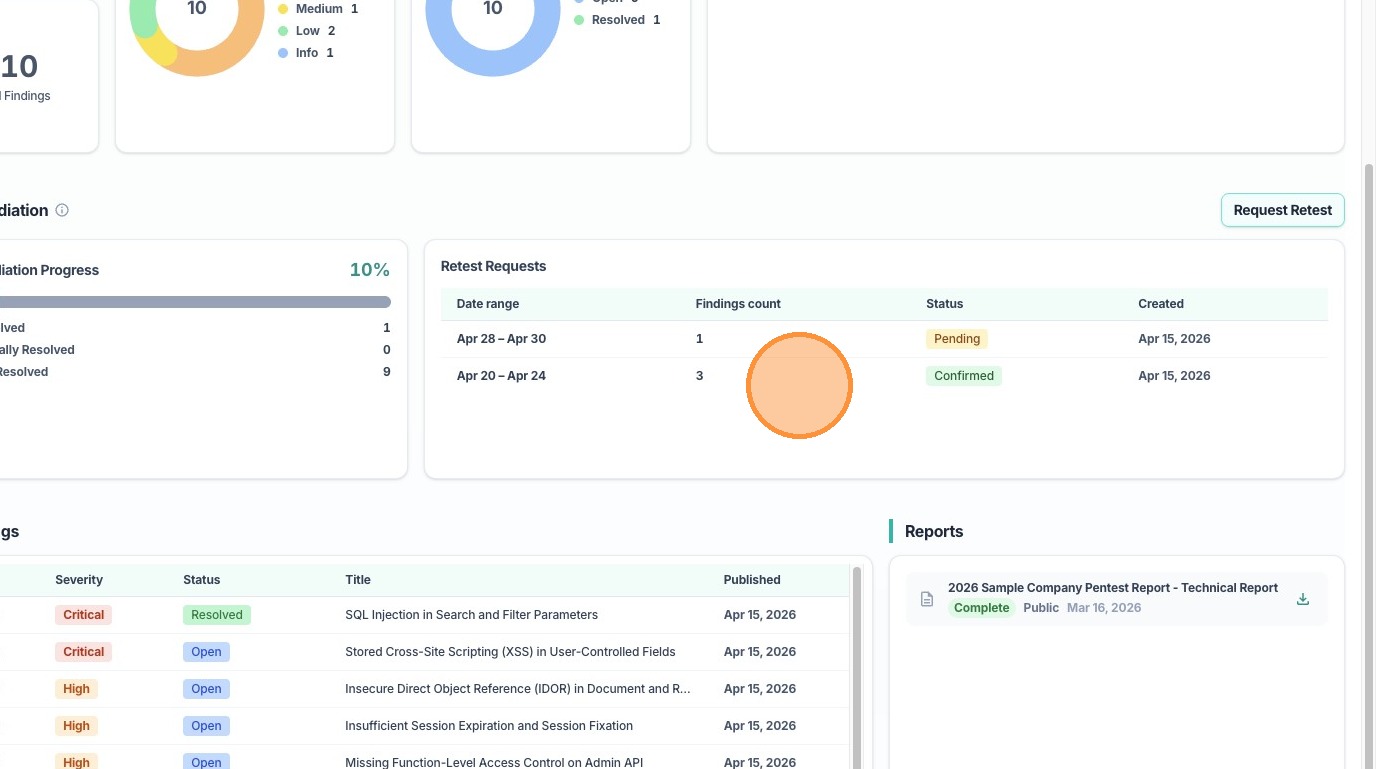
9. You should now see your retest request showing in this widget, with the status of Pending.
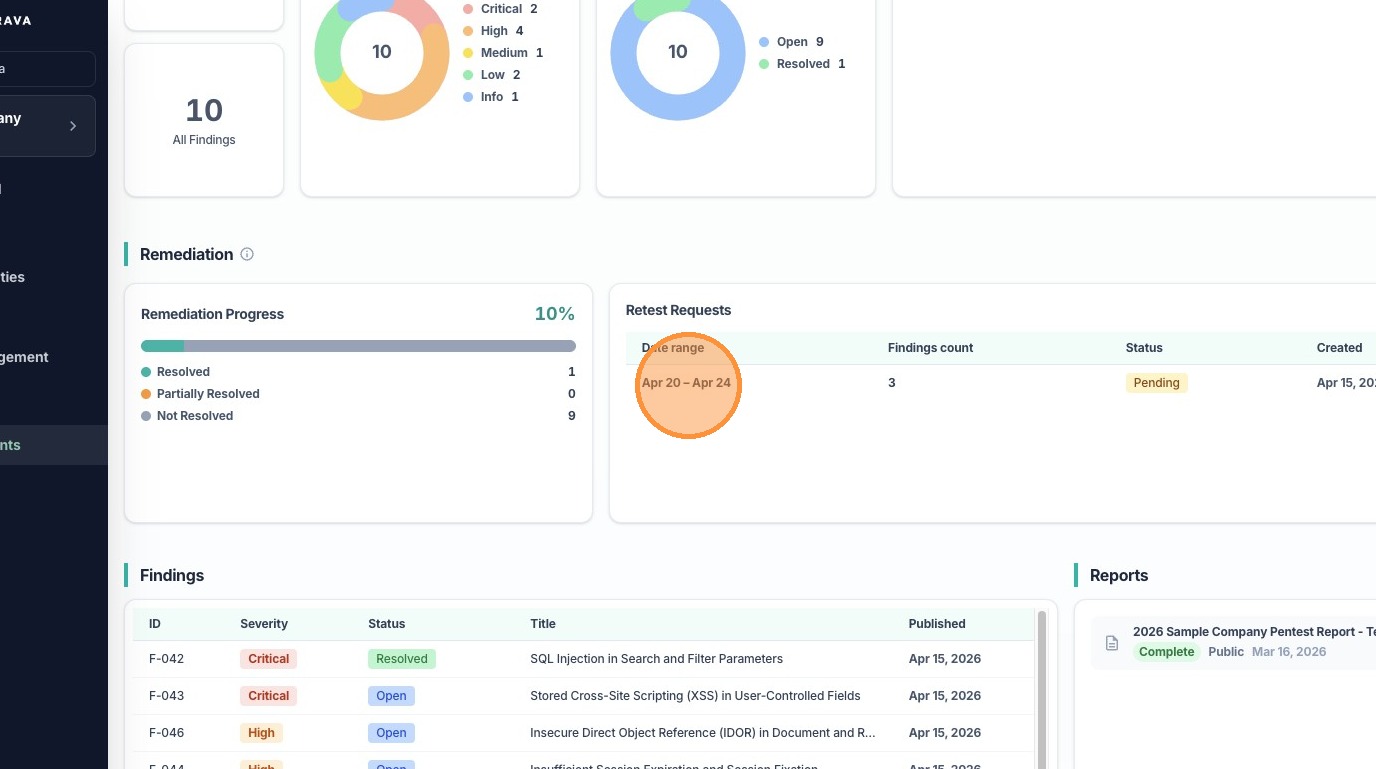
10. Once your engagement lead confirms this retest request, its status will change to Confirmed