How to Add Learners to MSAT

Apr 27, 2026
142

Learn how to add learners into your MSAT subscription via IDP integration or manual import.
Identity Provider (IDP) Integration
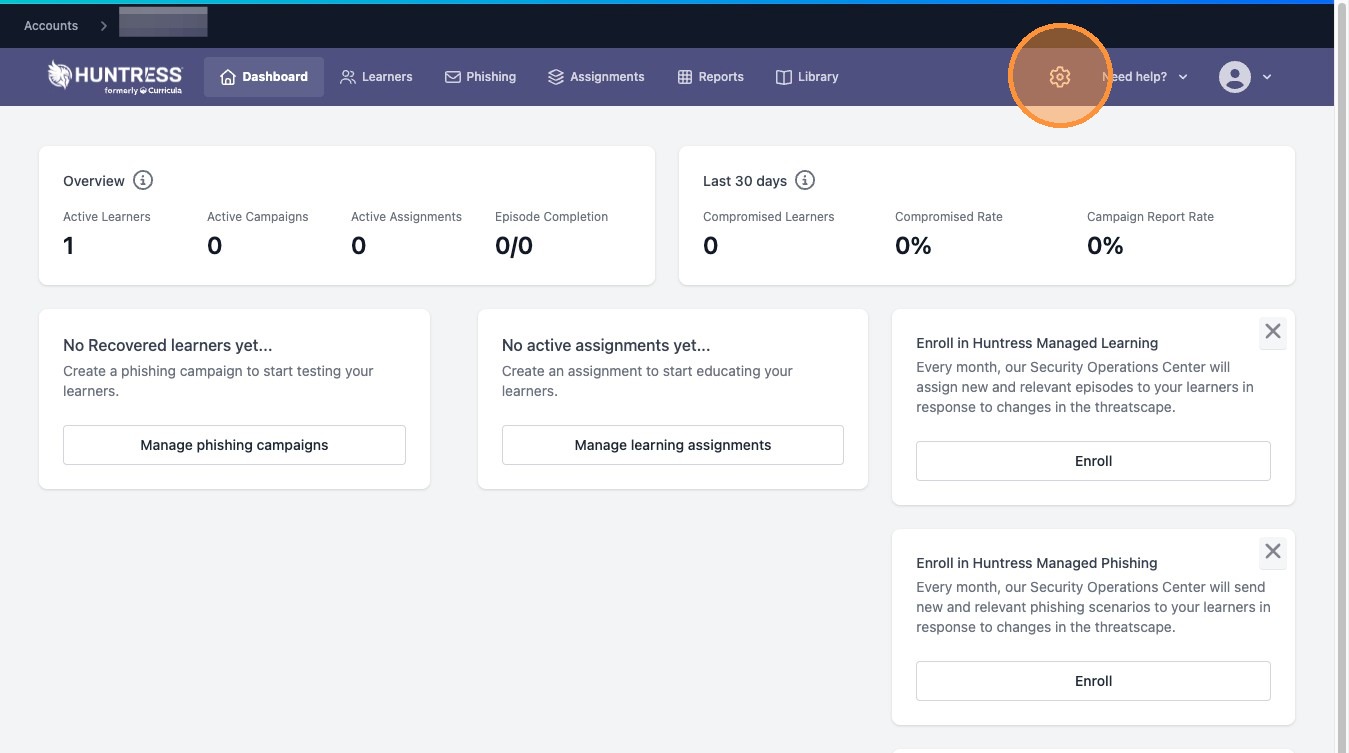
1. From the dashboard, click Settings icon
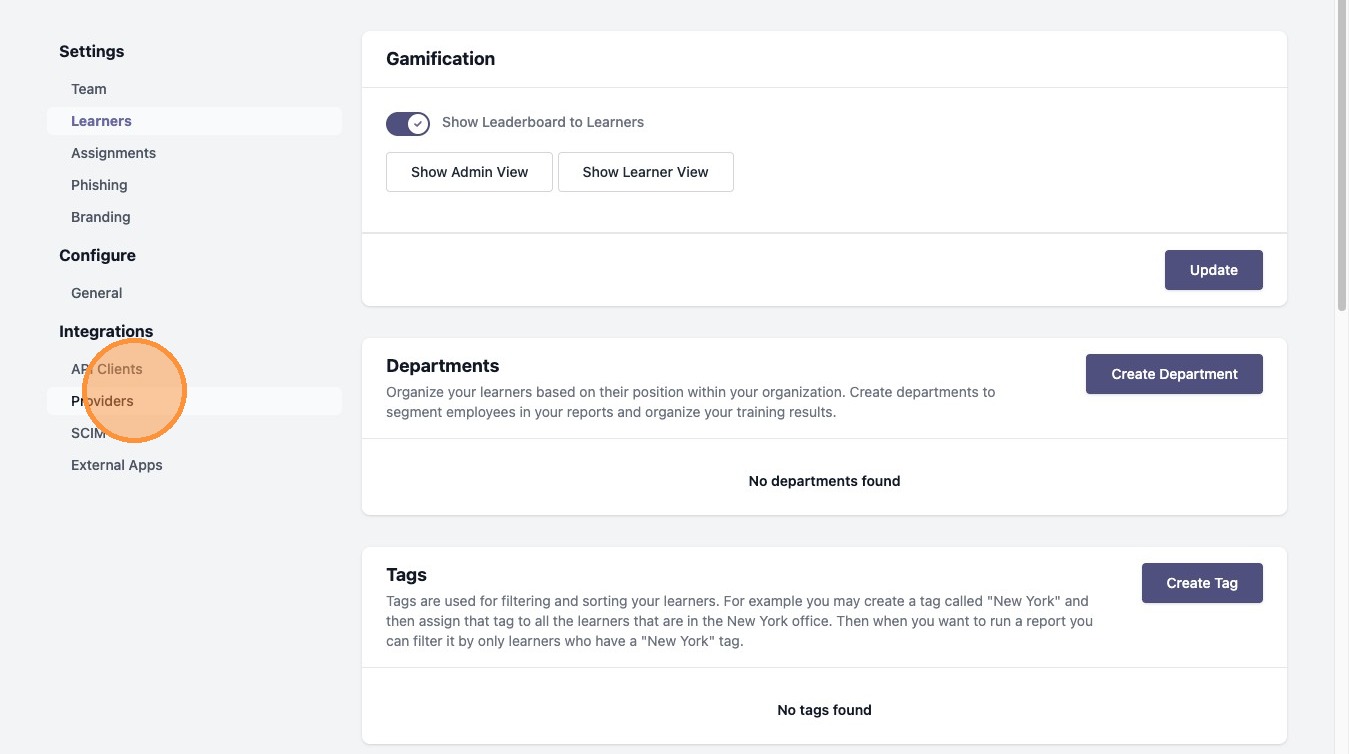
2. Select Providers from sidebar
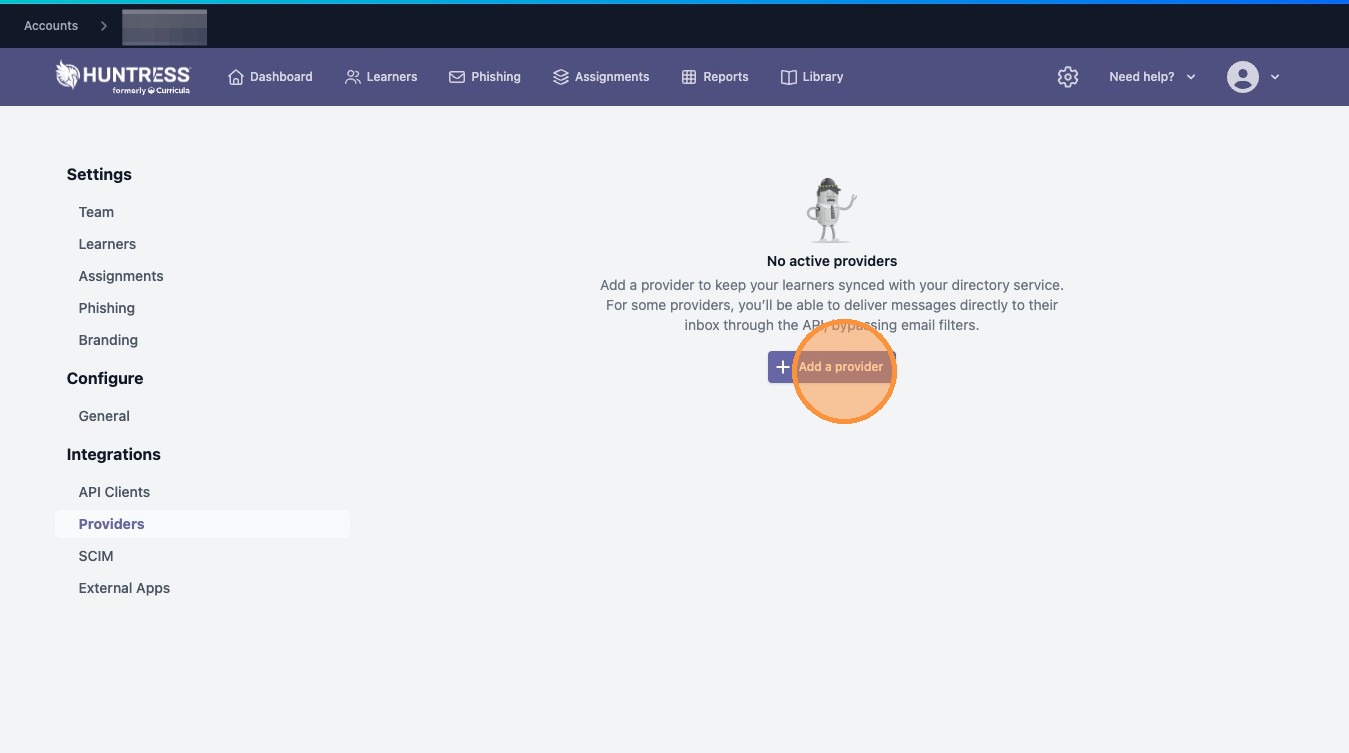
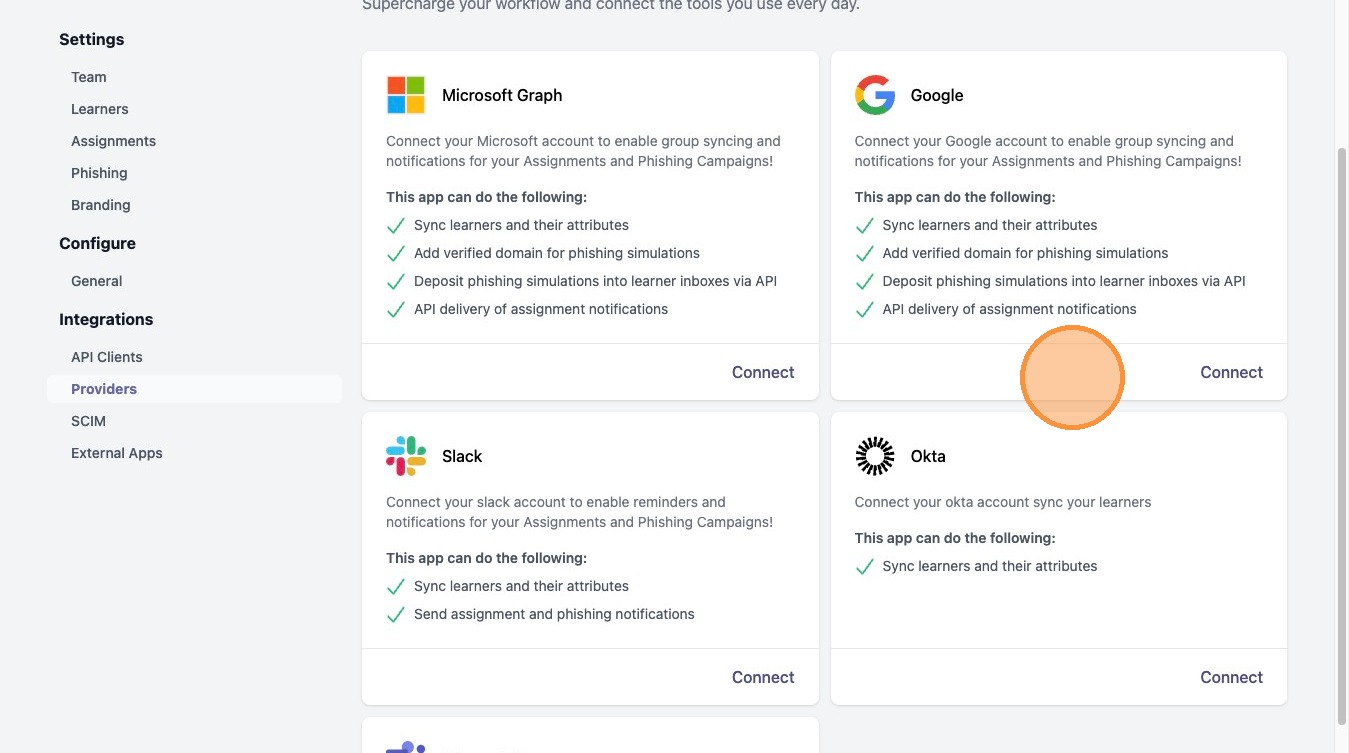
3. Click Add a provider
4. Select a provider (Microsoft Graph, Google, or Okta) and follow the setup wizard
Manual Import
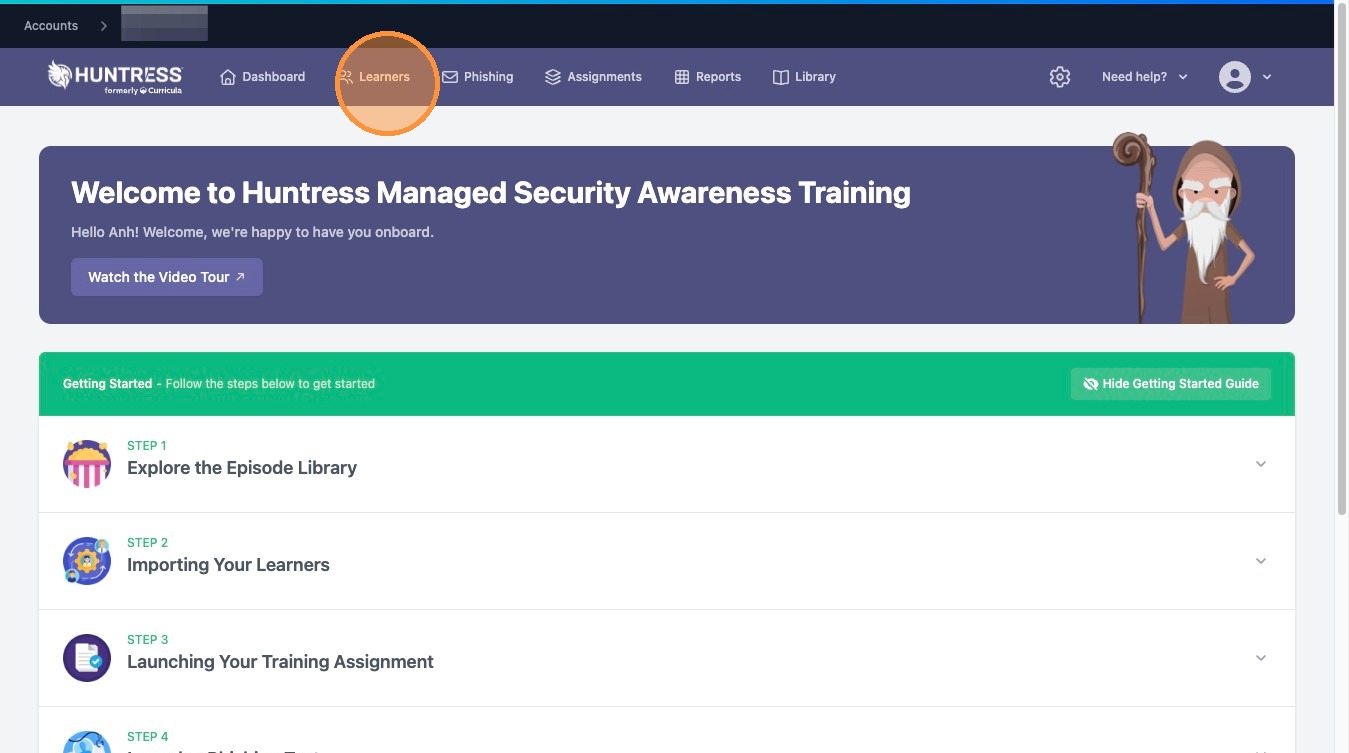
5. Navigate to Learners tab
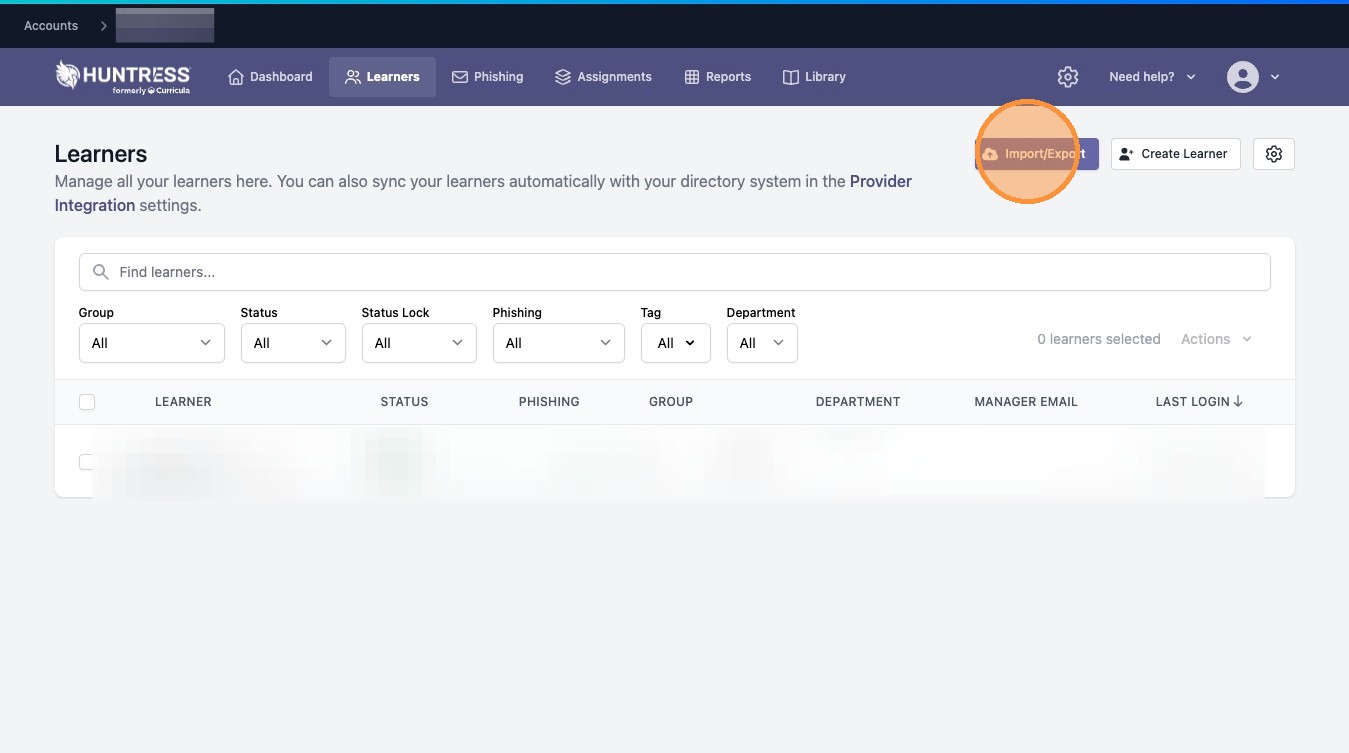
6. Click "Import/Export"

7. Download starter template
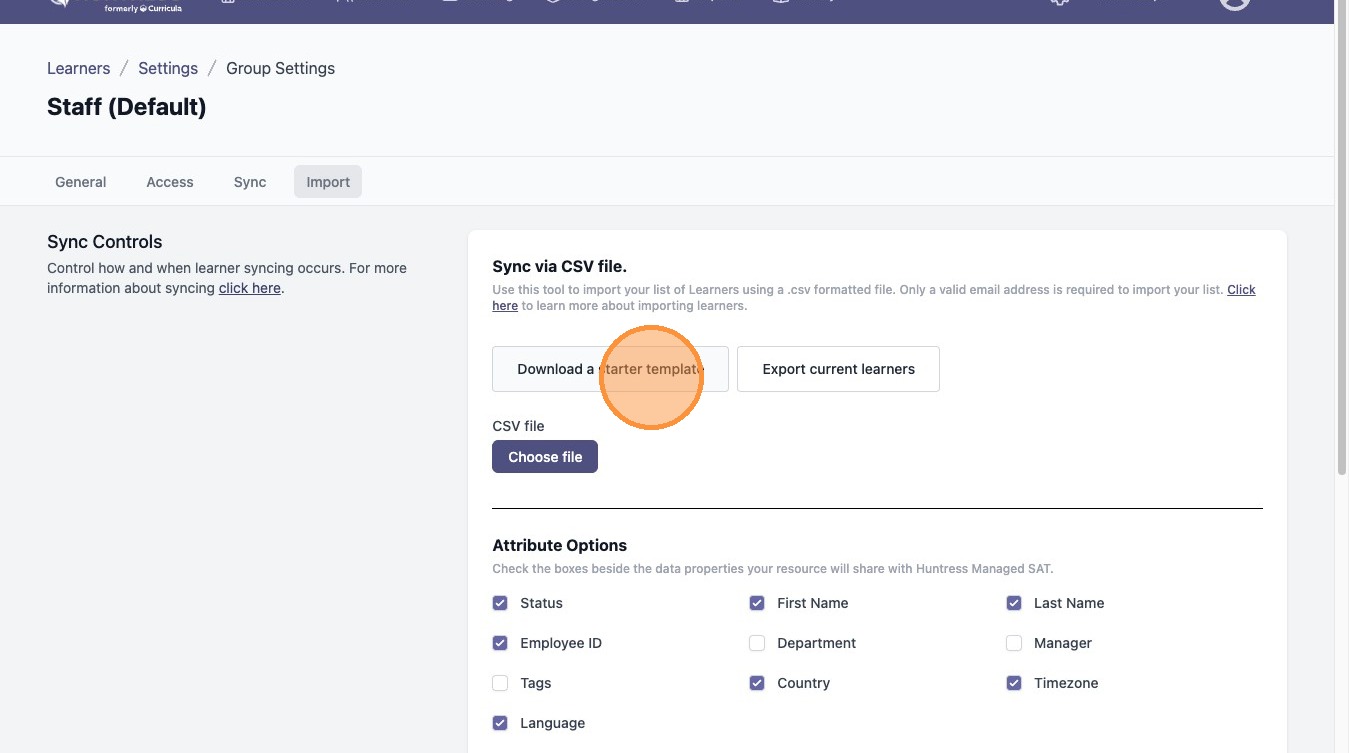
8. Once the csv template is populated with learners, click Choose file to upload your CSV and select data attributes
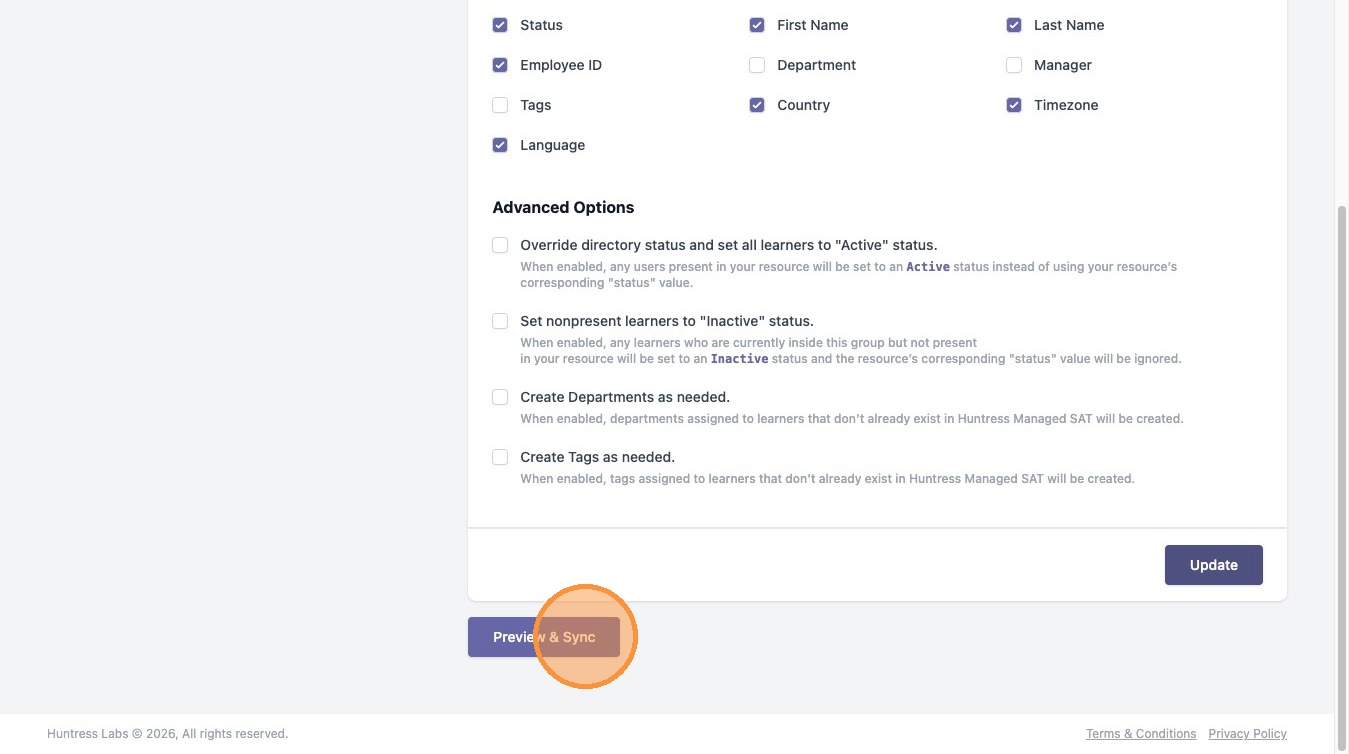
9. Click Preview & Sync
10. Click Apply Manual Sync
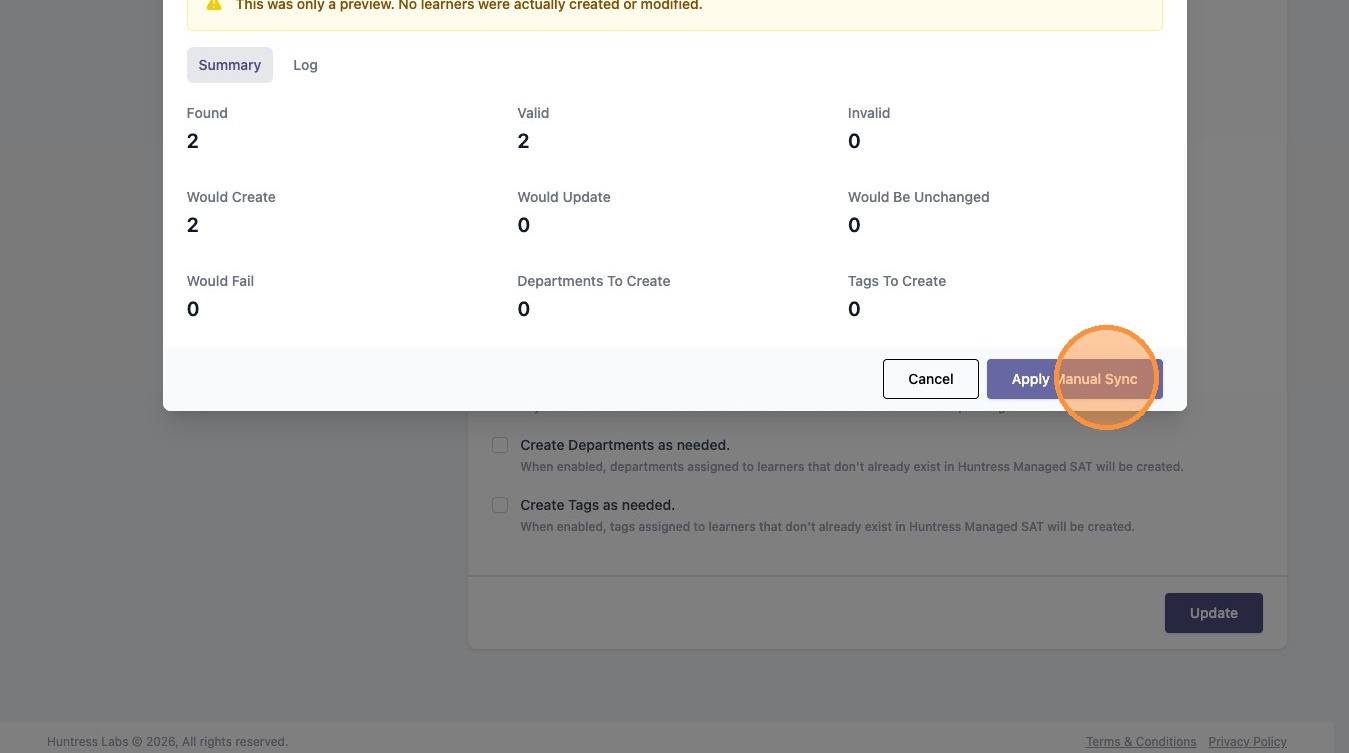
11. Wait for sync completion