Setting Up and Verifying Your Managed SAT Account

Apr 23, 2026
183

This guide walks you through the essential steps to configure your Managed SAT account. You will learn how to set your admin password, verify your domain, and complete the authentication process to get started with managed security awareness training and simulated phishing.
Account Activation
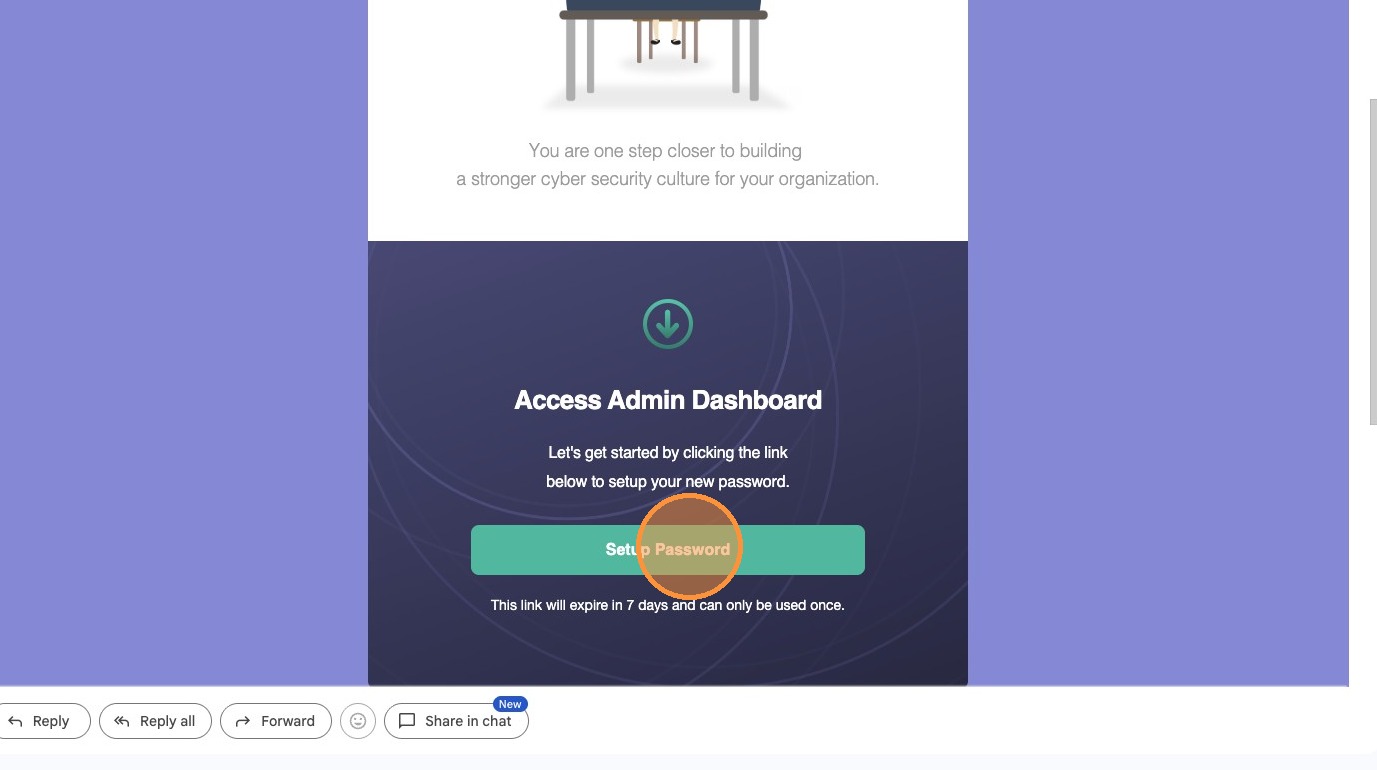
1. Click "Setup Password" in the welcome email.
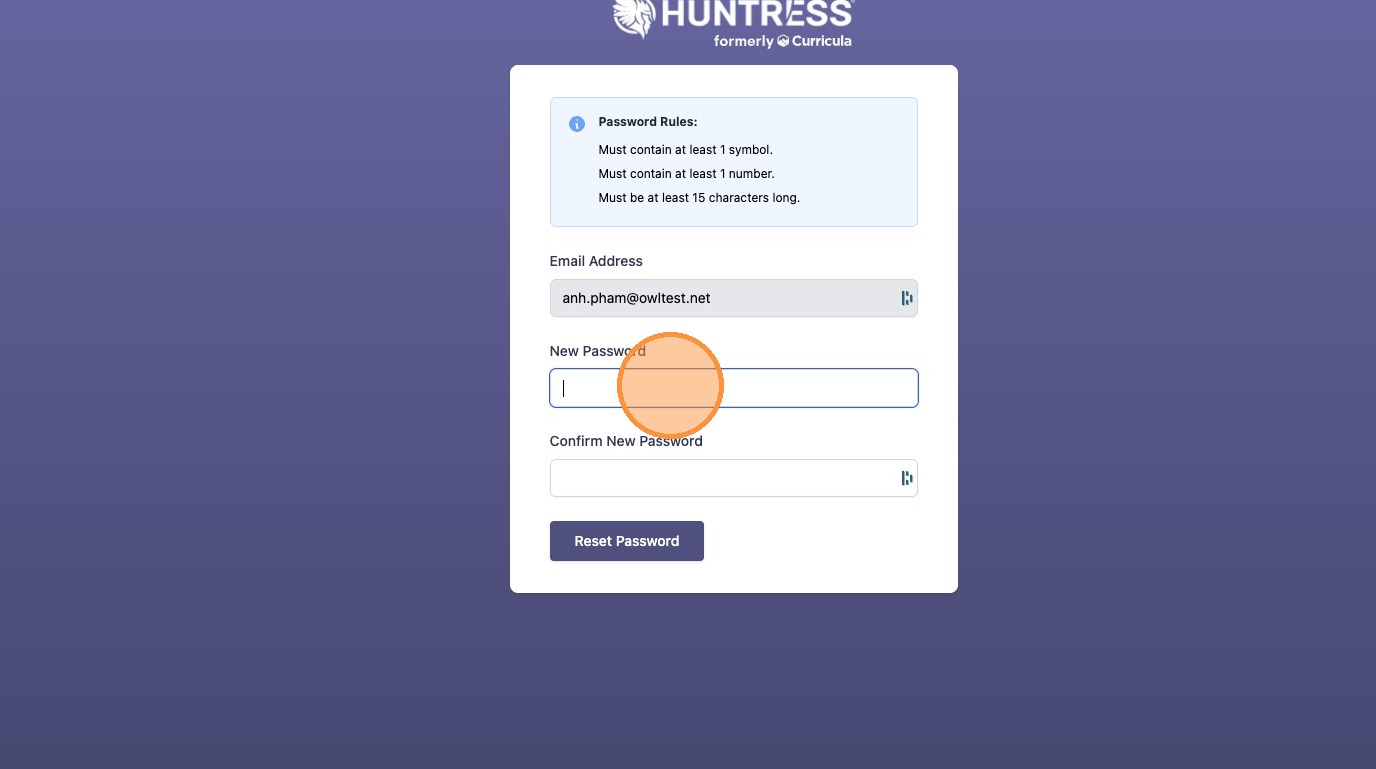
2. Enter and confirm your new password.
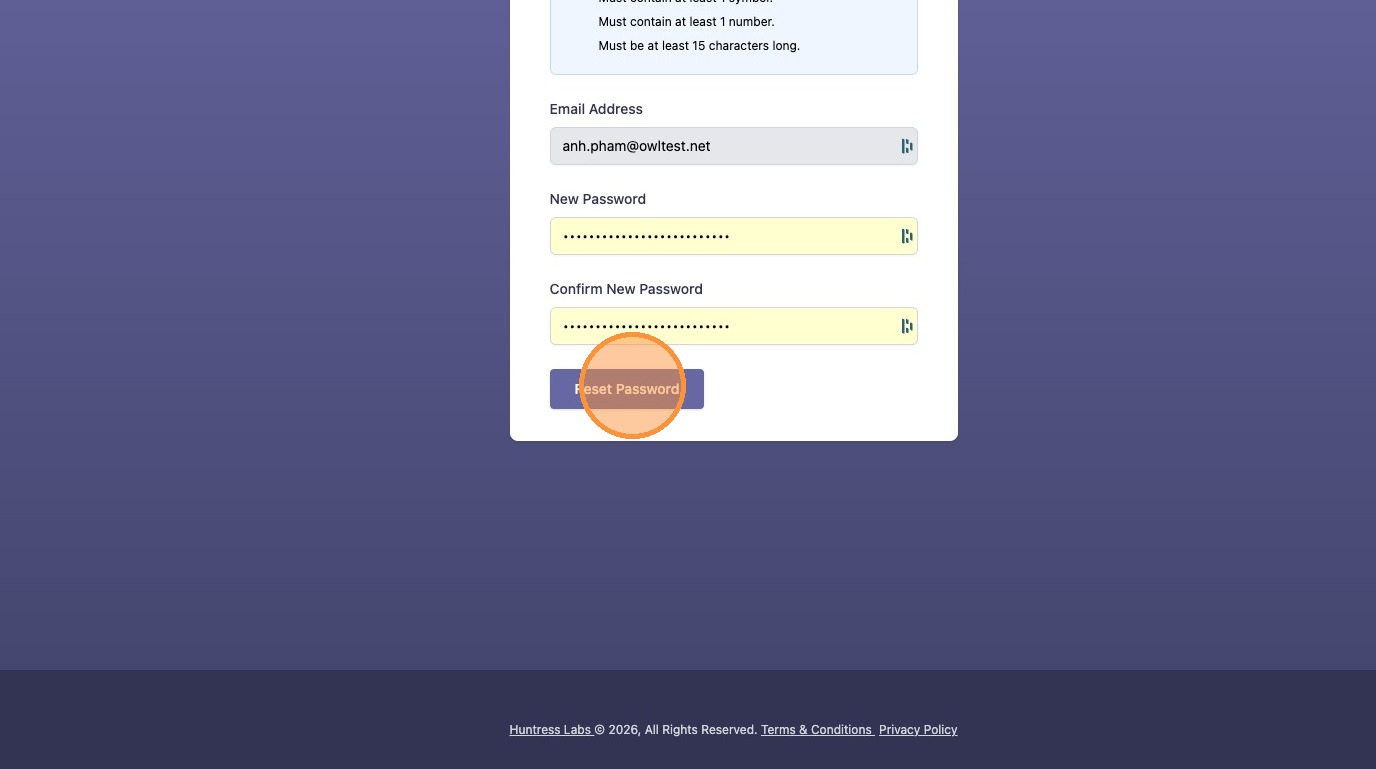
3. Click "Reset Password"
Setting up Two-Factor Authentication
4. Click "Send Authentication Code"
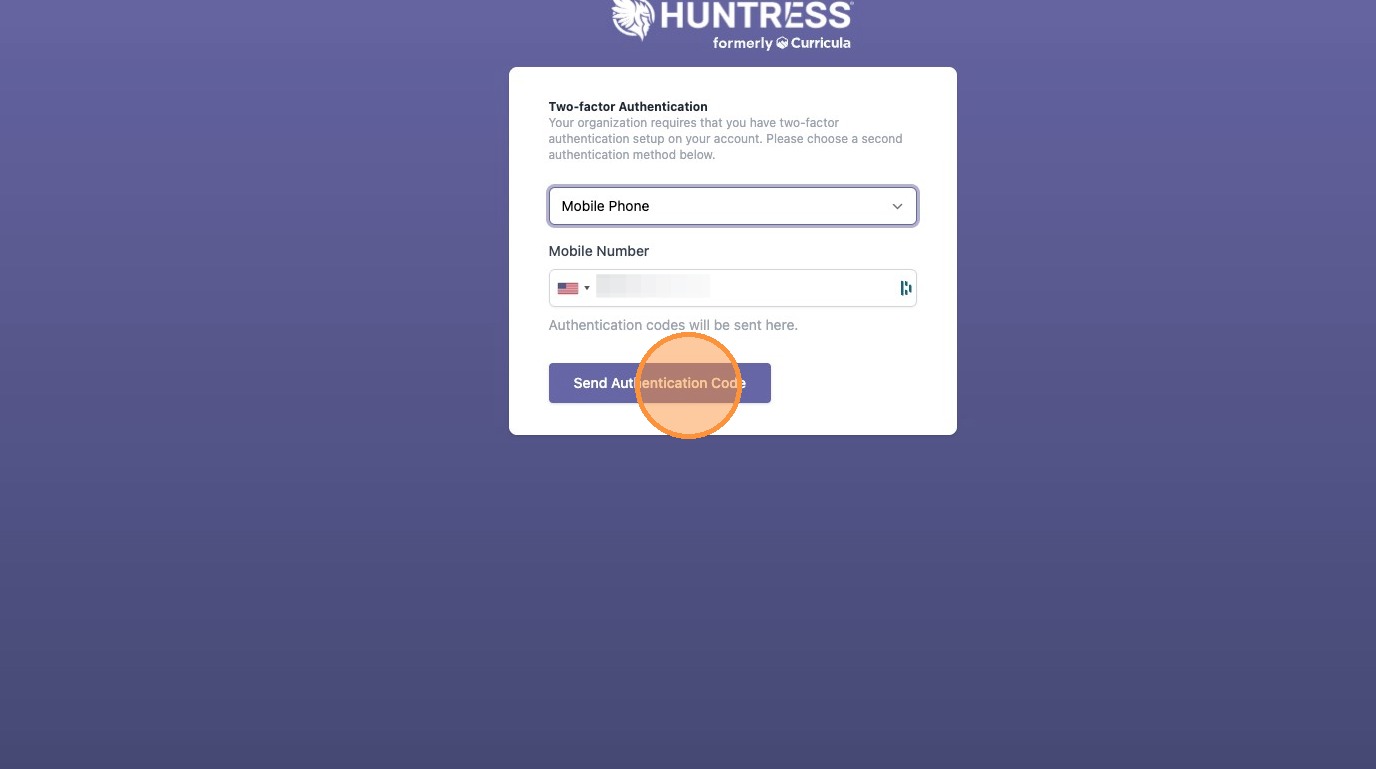
5. Enter the six-digit code sent to your phone.

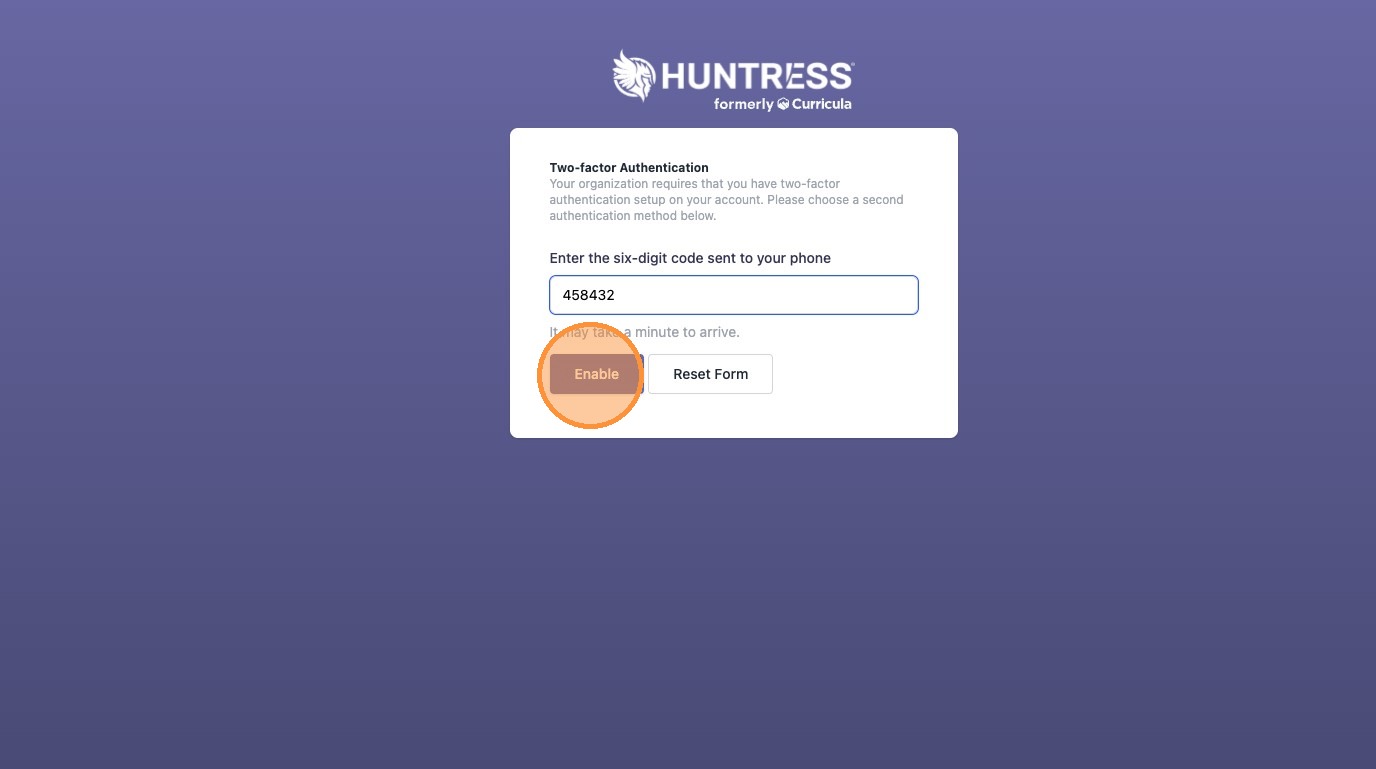
6. Click "Enable" to complete two-factor authentication setup.
Domain Verification
7. Click "Verify" in the domain confirmation email.
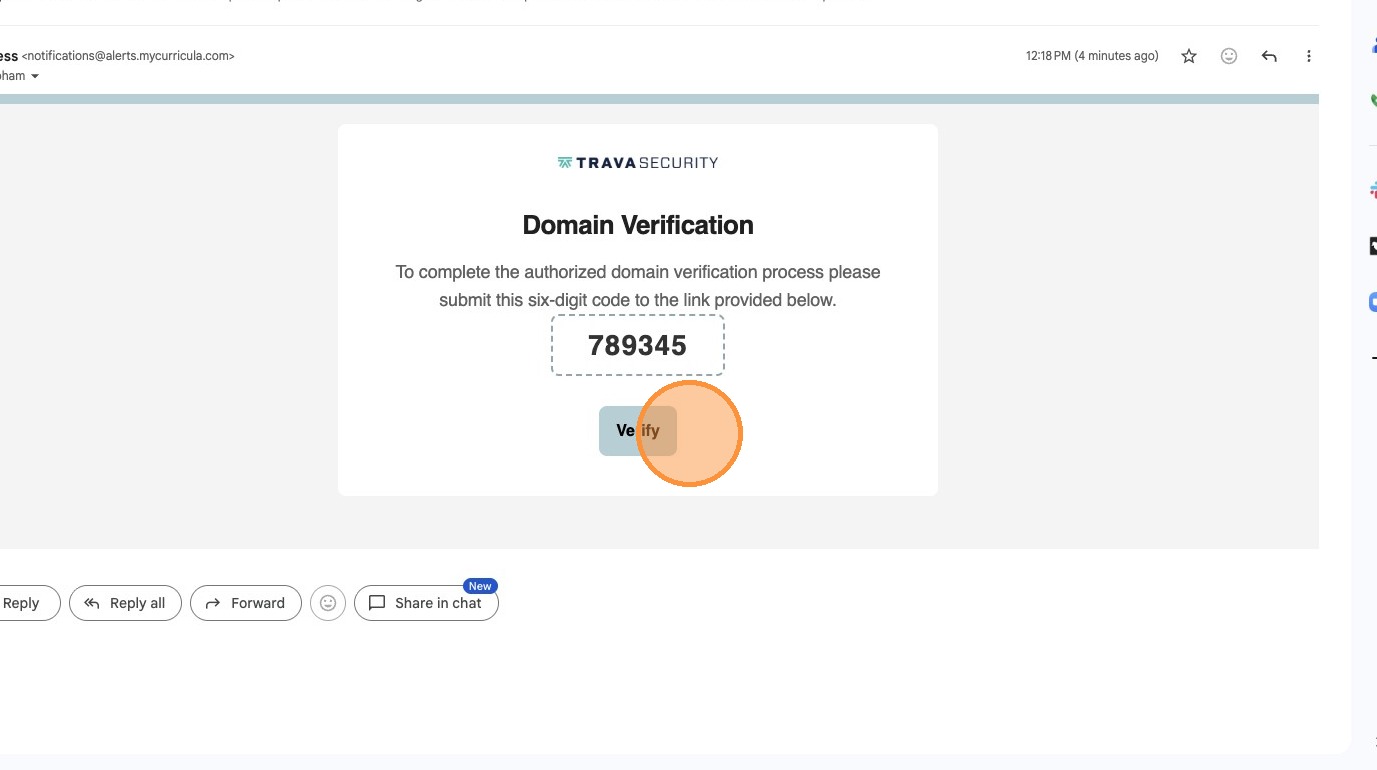
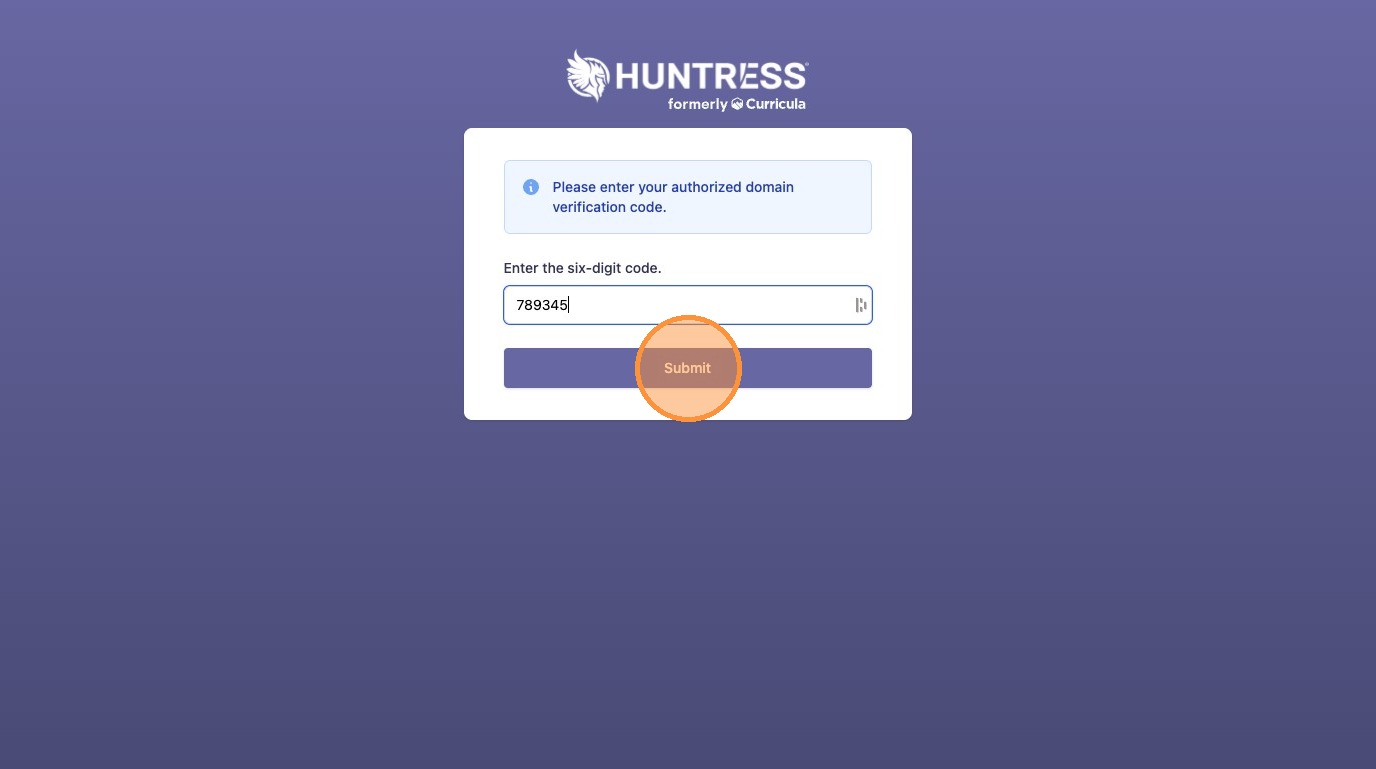
8. Enter the six-digit domain verification code.

9. Click "Submit" to verify the domain.
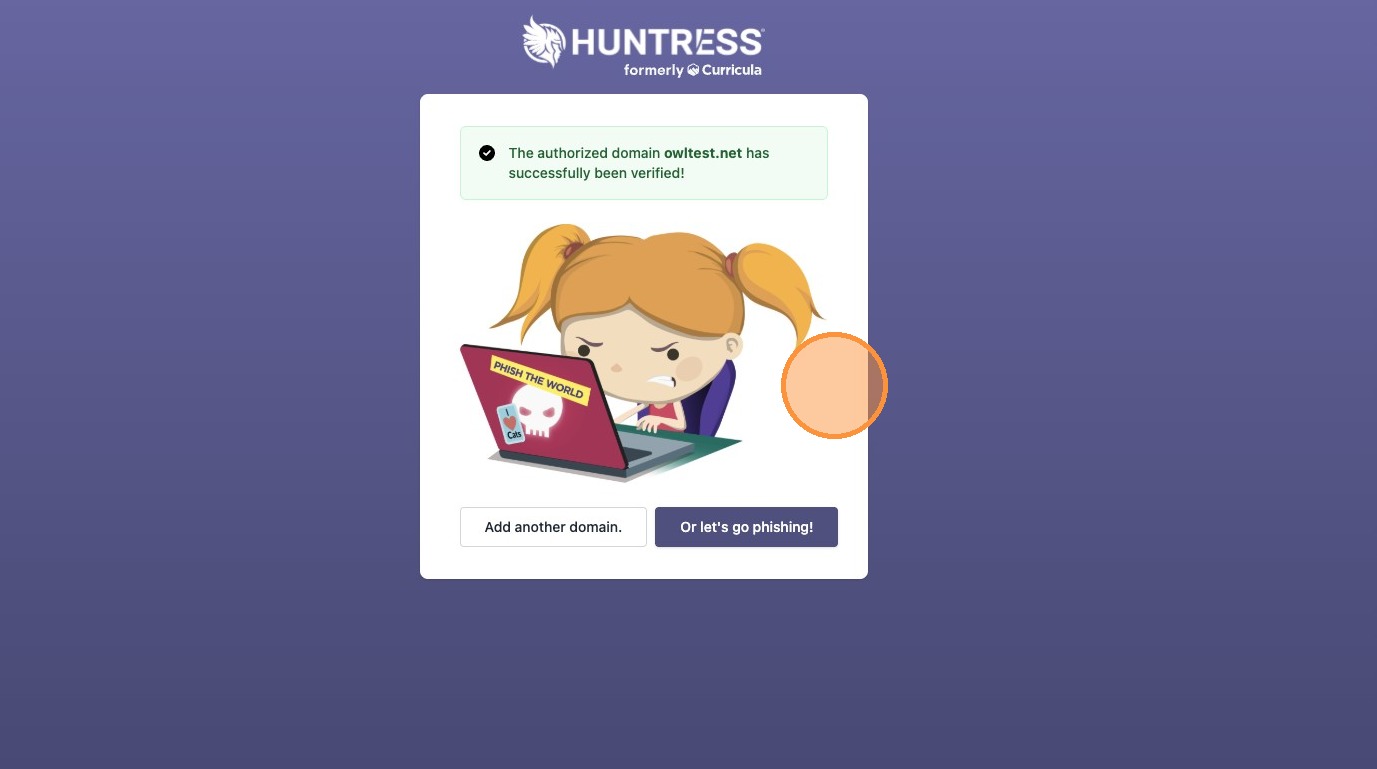
10. Your domain should now be verified.